8 Introduction
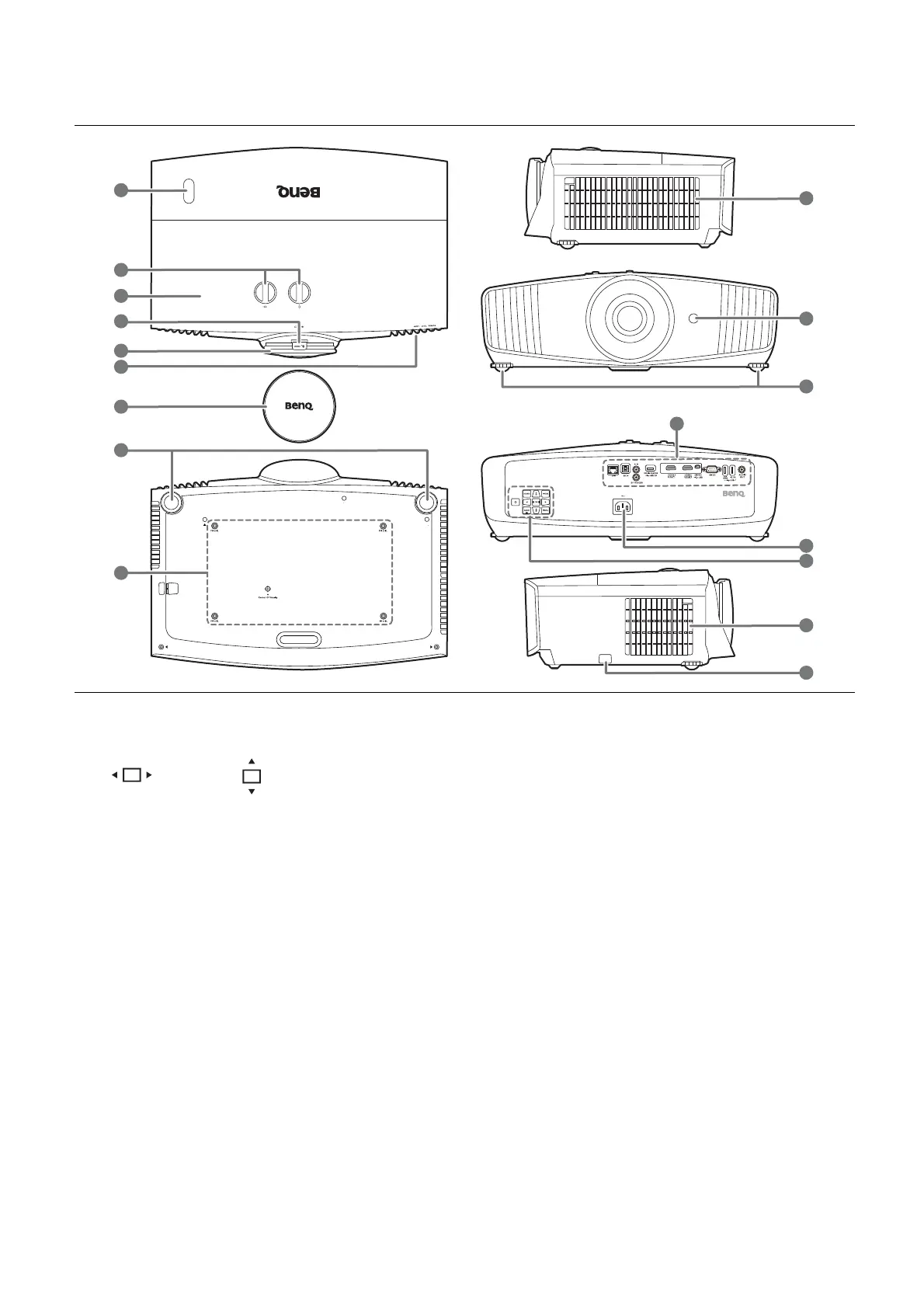
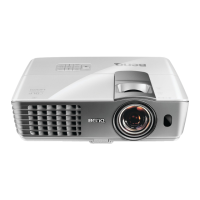
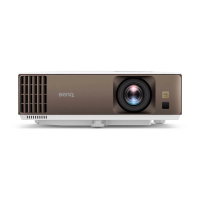
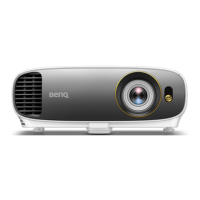
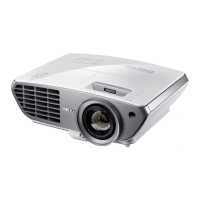
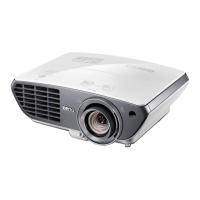
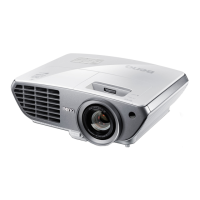
Projector exterior view
1. IR remote sensor
2. Lens shift adjustment knobs
( Left/Right, Up/Down)
3. Lamp cover
4. Zoom ring
5. Focus ring
6. POWER indicator light/TEMPerature
warning light/LAMP indicator light
See Indicators on page 45.
7. Lens cover
8. Adjuster feet
9. Ceiling mount holes
10. Vent (air inlet)
11. Connector panel
See Te r m i n a l s o n p a g e 9 .
12. AC power jack
13. External control panel
See Controls and functions on page 10.
14. Vent (air exhaust)
15. Anti-theft security bar


 To Next Page