Installation
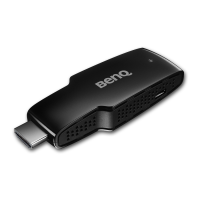
TX Setup
1. Connect the USB cable to TX.
2. Connect the USB cable to computer USB port or other USB power supply.
3. Connect the TX source HDMI port.
RX Setup
1. Connect the power adaptor to PX.
2. Connect the adaptor into a power outlet.
3. Connect the RX with the TV or Monitor through the HDMI cable.
WHDI User Manual! 4


 To Next Page