32 How to adjust your monitor
How to adjust your monitor
The control panel
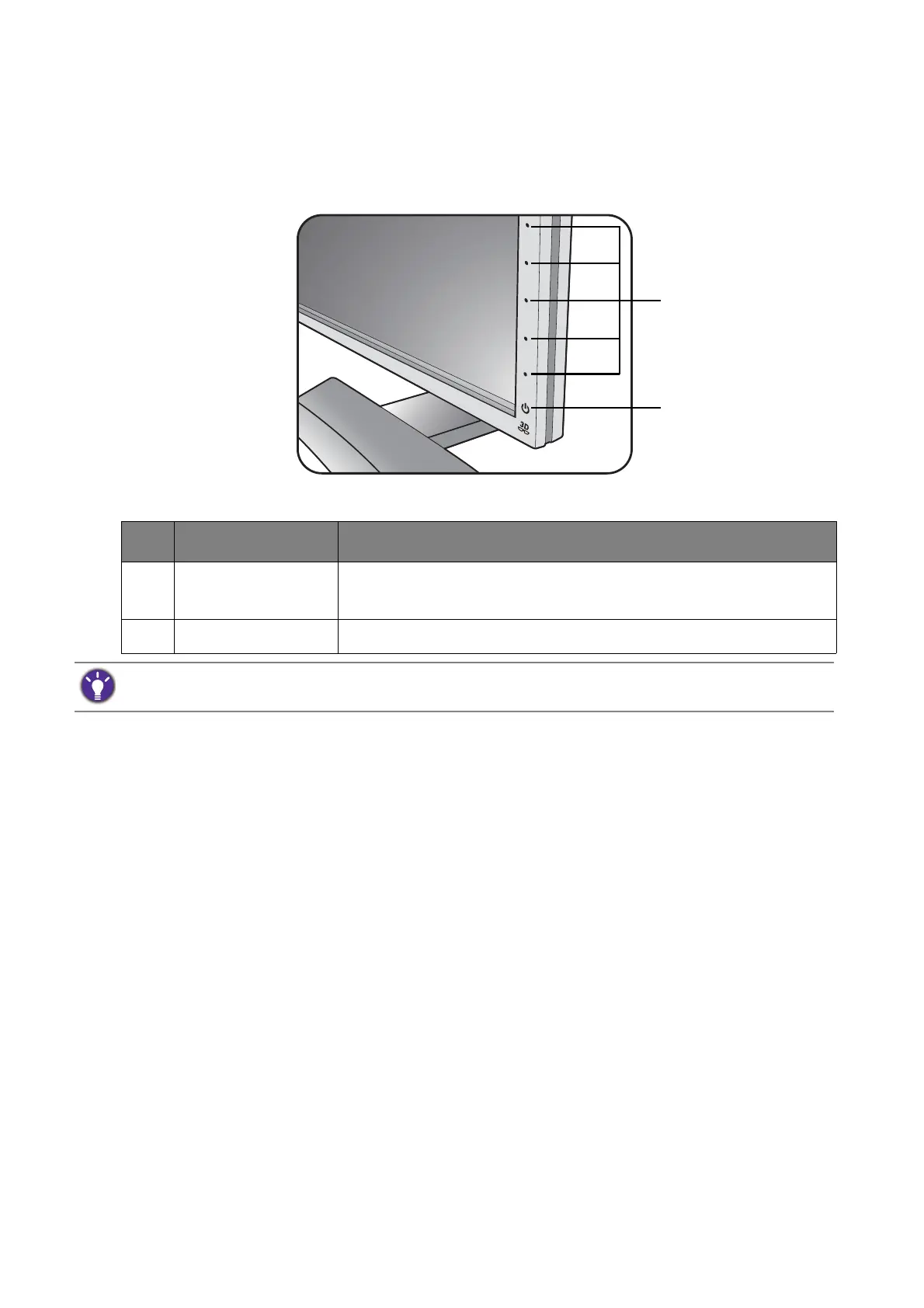
All OSD (On Screen Display) menus can be accessed by the control keys.
No. Name Description
1. Control keys Accesses the functions or menu items displayed on the screen,
right next to each key.
2. Power key Turns the power on or off.
The control keys are embedded in a touchpad and are indicated by LED indicators. Touch of an LED indicator
represents pressing the corresponding control key.



 To Next Page
 Loading...