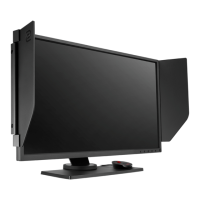
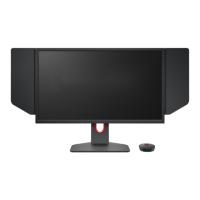
7 Getting started
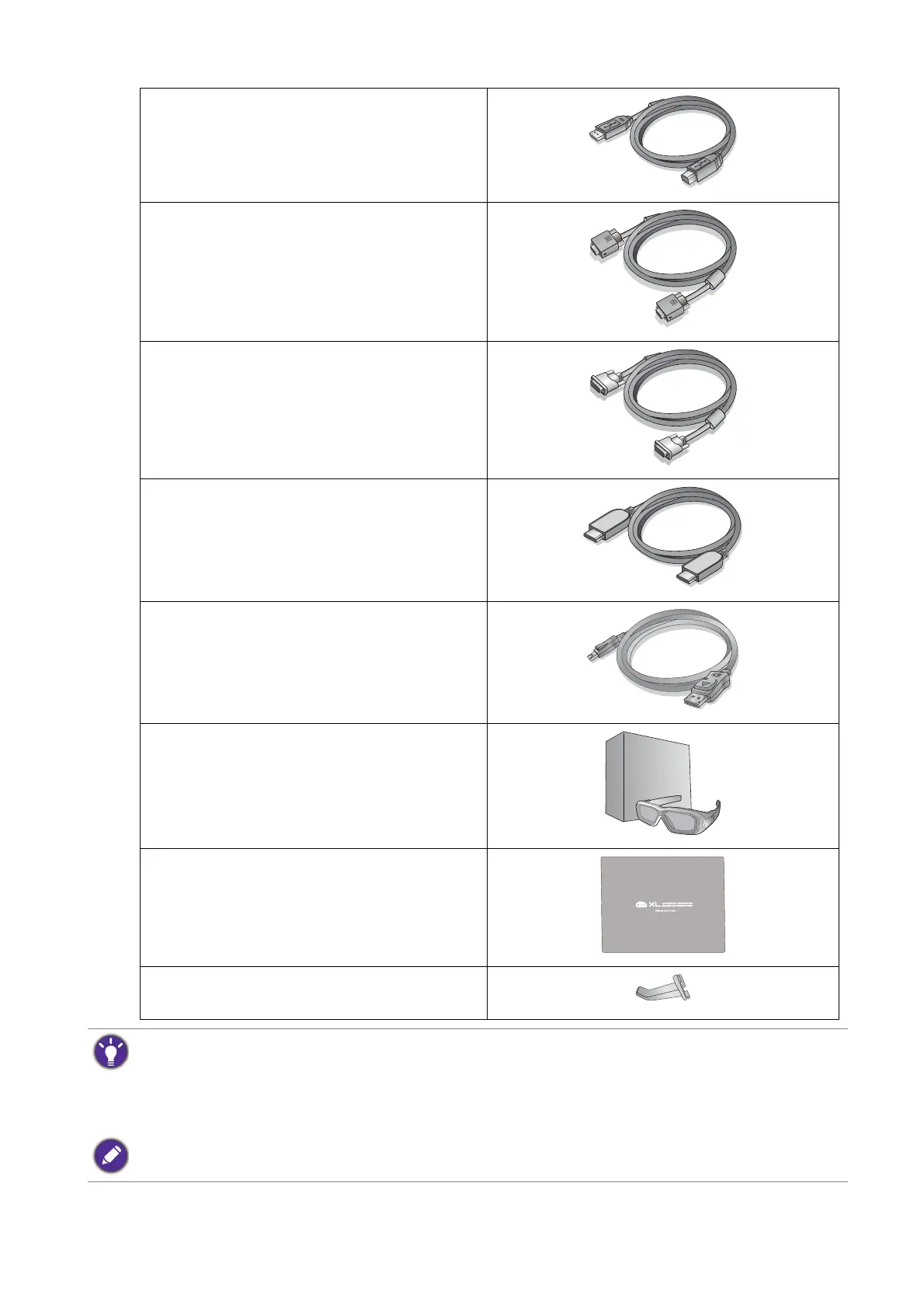
USB Cable
Video Cable: D-Sub
Video Cable: DVI-D Dual Link
Video Cable: HDMI
(Optional accessory, sold separately)
Video Cable: DP
(Optional accessory, sold separately)
NVIDIA 3D Vision Kit
(XL2420TX only)
Protective cover
Headphone hook
(Pre-installed, can be removed)
• Available accessories and the pictures shown here may differ from the actual contents and the product
supplied for your region. For cables that are not supplied with your product, you can purchase them
separately.
• Consider keeping the box and packaging in storage for use in the future when you may need to transport the
monitor. The fitted foam packing is ideal for protecting the monitor during transport.
Always keep the product and accessories out of reach of small children.


 To Next Page
 Loading...