29
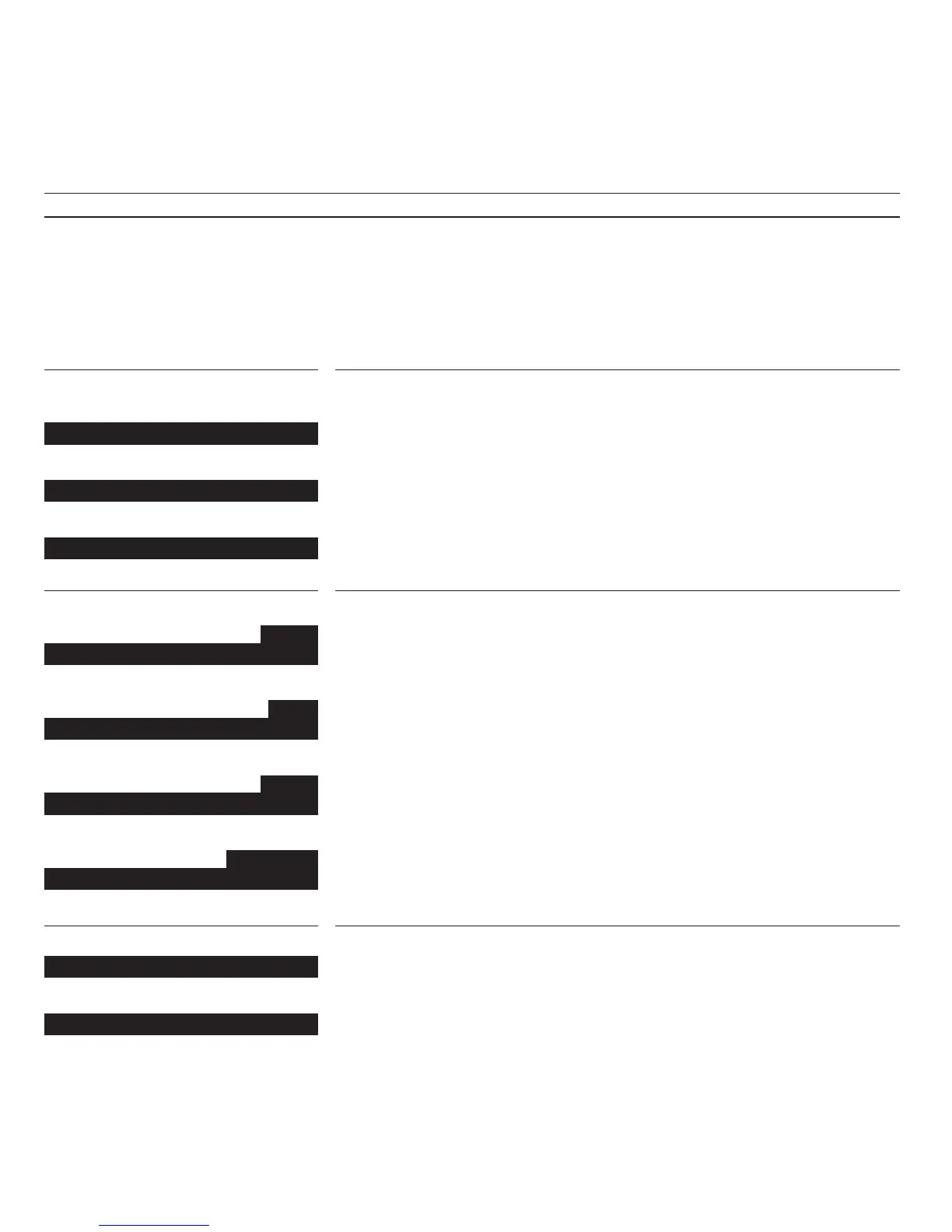
V.Tape Stop 3
V.Tape << 3
V.Tape <<< - -
V.Tape Load
V.Tape Protected
Pg 3
V.Tape Record pause 0:00
AV
V.Tape Record pause 0:00
Pg 3
V.Tape Record 0:01
SC Pg 3
V.Tape Record 0:01
You have pressed STOP twice to stop the video
tape recorder.
You have pressed
ss to rewind the tape.
You have pressed
ss twice to rewind the tape at
high speed.
Note: The display remains on for a few seconds
during playback and recording, and remains on
constantly during winding.
The display from the video tape recorder prompts
you to load a tape before playing or recording
can start.
Recording is impossible because the safety tap on
the video tape cassette has been removed.
If you do not resume playing within 8 minutes,
the VX 7000 switches to stand-by automatically.
The video tape recorder is set for recording TV
program number 3 from its own tuner.
The video tape recorder is set for recording from
an external source, for example from your
BeoVision TV or your satellite tuner.
You have pressed RECORD again, and recording
of program number 3 has started.
The video tape recorder is recording a simulcast
program (TV + FM sound from a radio program).


 To Next Page