TGR-86 WIFI THERMOSTAT USER GUIDE
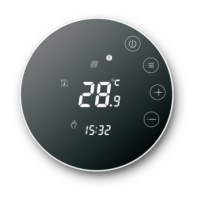
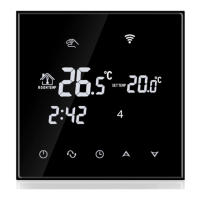
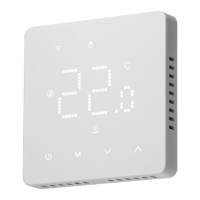
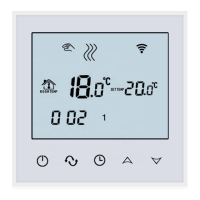
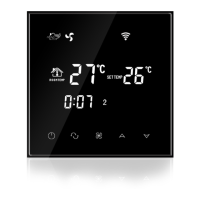
Operating Instruction
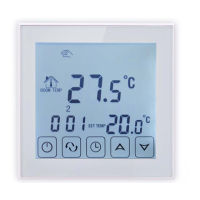
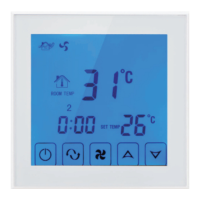
1. Power on/off: press to turn on/off the thermostat.
2. Press the key to switch between manual and automatic modes.
3. In the automatic mode, press or to adjust the temperature to enter the
automatic temporary mode. This mode runs for only one session.
4. Long press key and key to enter the clock setting, press key to switch Settings
Item, press and keys to adjust the value of each parameter. Note: the time of
WIFI model will be Automatically gets Internet time
5. Press and for 5 seconds to add or cancel the child lock.
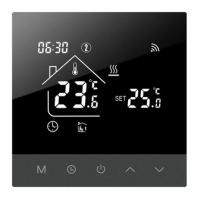
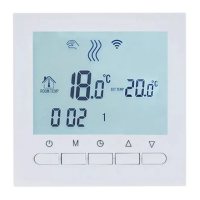
6. WIFI link: When the thermostat is on, long press button for 5 seconds and the
thermostat display will come out Now the WIFI icon flashes, at this time the
thermostat into the state of code.





 To Next Page