EasyManua.ls Logo

Beok Controls TGR-86 - Page 8

Beok Controls TGR-86
17 pages
Print Icon
To Next Page IconTo Next Page
To Previous Page IconTo Previous Page
Loading...
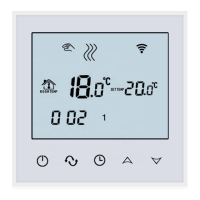
TGR-86 WIFI THERMOSTAT USER GUIDE
7
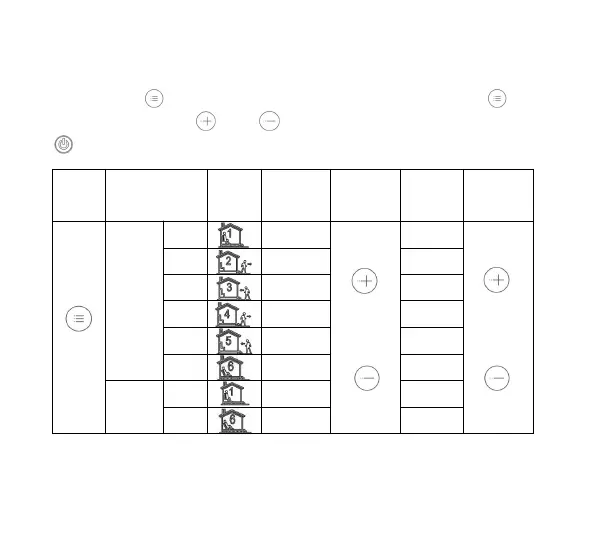
Time programming instructions
Press and hold the key to enter the programming setting, short press the key to
switch the option, press the key or key to adjust each option parameter, and press
the key to exit and save.

KEY
OPTION
ICON
TIME
ADJUST
DEFAULT
ADJUST
1
06:00
20
2
08:00
15
workday
3
11:30
15
4
12:30
15
5
17:00
22
6
22:00
15
Holiday
1
08:00
22
2
23:00
15

Related product manuals