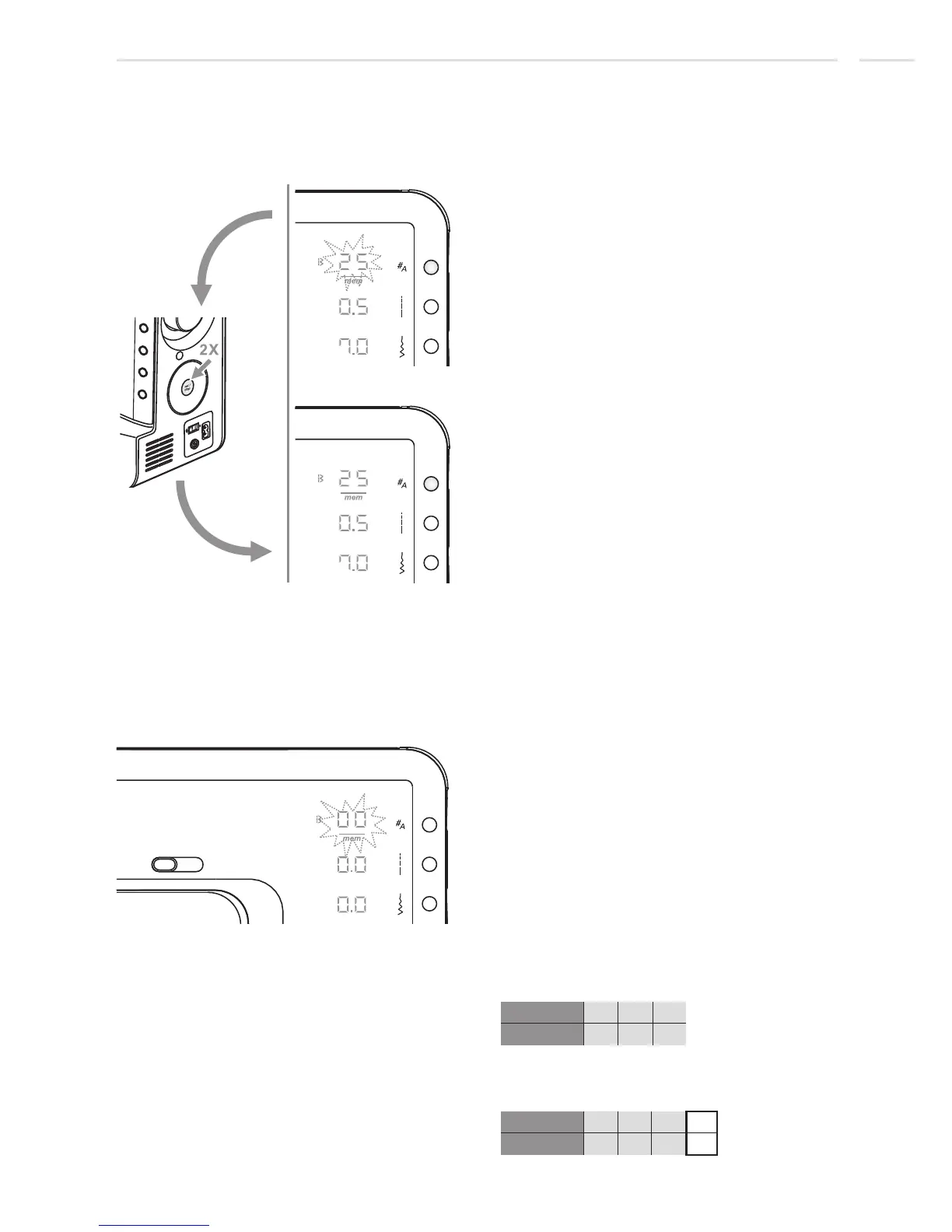
Switch between Memory Enter Mode and
Memory Review/Edit Mode
After Memory Enter Mode is activated and at
least one stitch is stored double click
set/disp button to enter the Memory
Review/Edit Mode.
memory enter mode
memory review/edit mode
Special Functions
Memory Editing functions
Append a sequence of stitches
69
When Memory Review/Edit Mode is active
double click set/disp button to enter the
Memory Enter Mode.
Press the memory button to enter the
Memory Review/Edit Mode, the screen
shows the stitch of the 1st memory position.
Double click set/disp button and the machine
switches to Memory Enter Mode starting
after the last saved stitch.
Proceed according to page 67/ 68 to add
multiple new stitches.
Stitches in Memory before appending a stitch:
25 26 15
01 02 03
Stitches in Memory after appending stitch no.
01:
25 26 25
01 02 03 04
Example:
01
stitch no.
mem pos.
stitch no.
mem pos.











 To Next Page