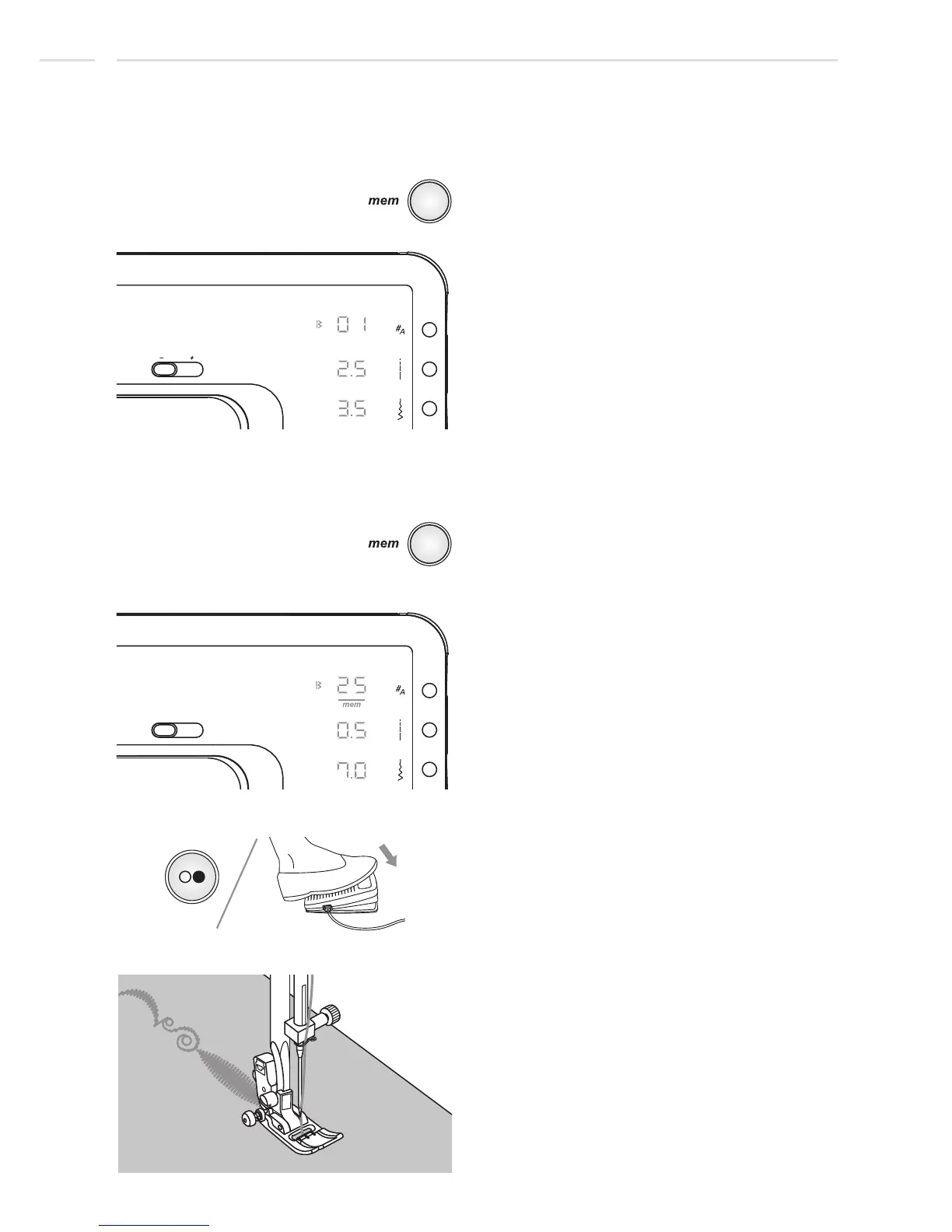
Press the start/stop button or foot controller
to sew the stored stitches.
The display will show the sewing stitch data
while sewing.
1st memory position
Special Functions
Press the memory button to enter the
Memory Mode, the display shows the stitch
of the 1st memory position.
Sew memorized pattern
Switch from Memory Mode to
the Normal Mode
When Memory Mode is active press memory
button to leave the Memory Mode and return
to the Normal Mode.
70











 To Next Page