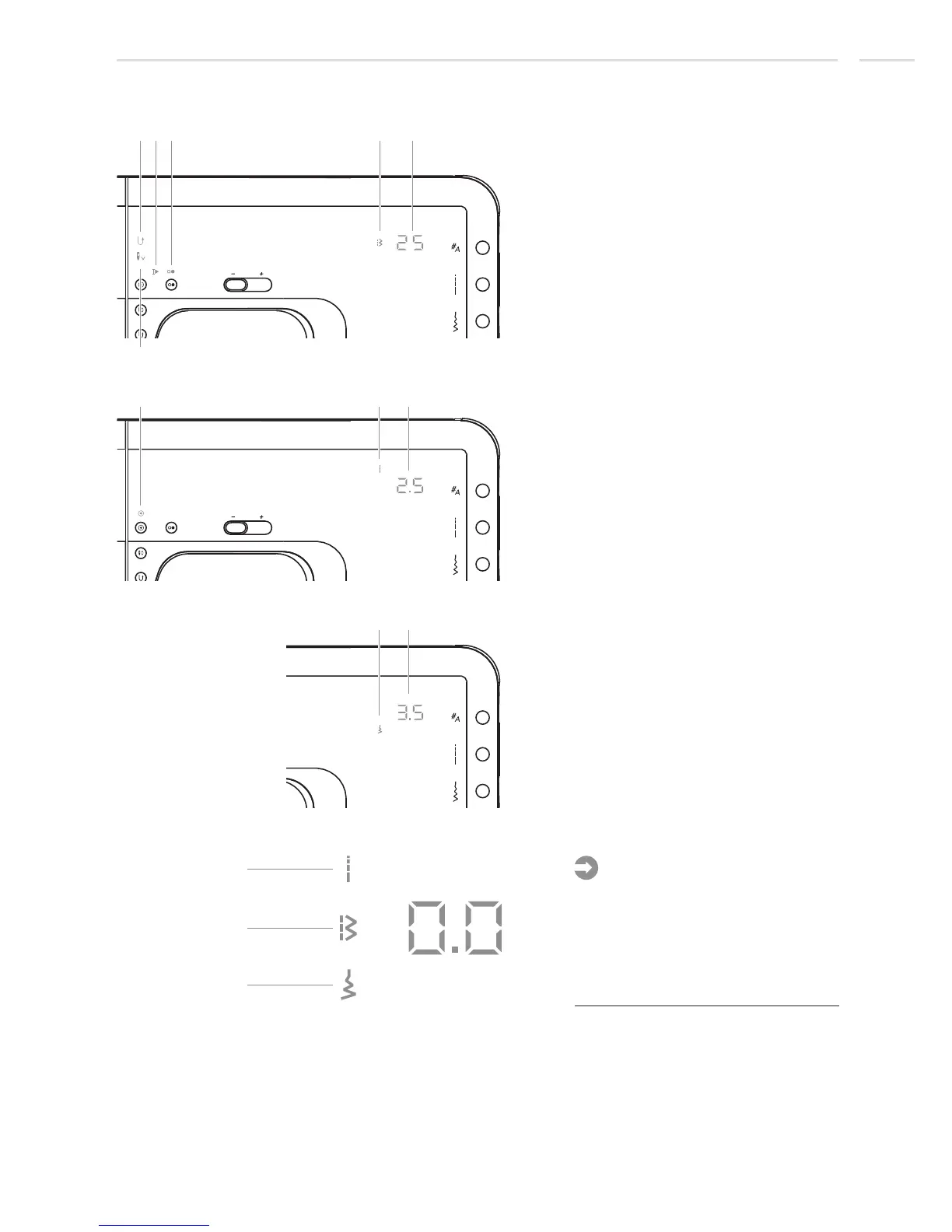
Normal mode display - model 20
1.
2.
4.
6.
7.
8.
9.
10.
11.
Reverse
3. Auto-stop on pattern end
5.
Stitch number
Auto-lock
Stitch length mode
Stitch length
Stitch width mode
Stitch width
Needle stop down
Machine running
Pattern group
1
2
3
4
5
6
7
8
9
10 11
Note:
- To display stitch length or stitch
width, press the corresponding
button.
- The symbol on the right of the
display indicates which value is
shown in the display.
10
5
8
Display Explanation & Operating Instructions
27












 To Next Page