Display Explanation & Operating Instructions
General Operating Principles
Whatever value or setting is blinking can be adjusted by the Selector Wheel.
- Select function by pressing a button once
- Safe adjustments by pressing Set or the button near the flashing value. Alternatively in most
functions pressing start/stop or the foot controller will save the changes as well
- For special functions (Alphabet, switch from Memory Enter Mode to Memory Review/Edit
Mode, Delete ALL) there are special keystroke combinations
- Error Beep = 3 short beeps
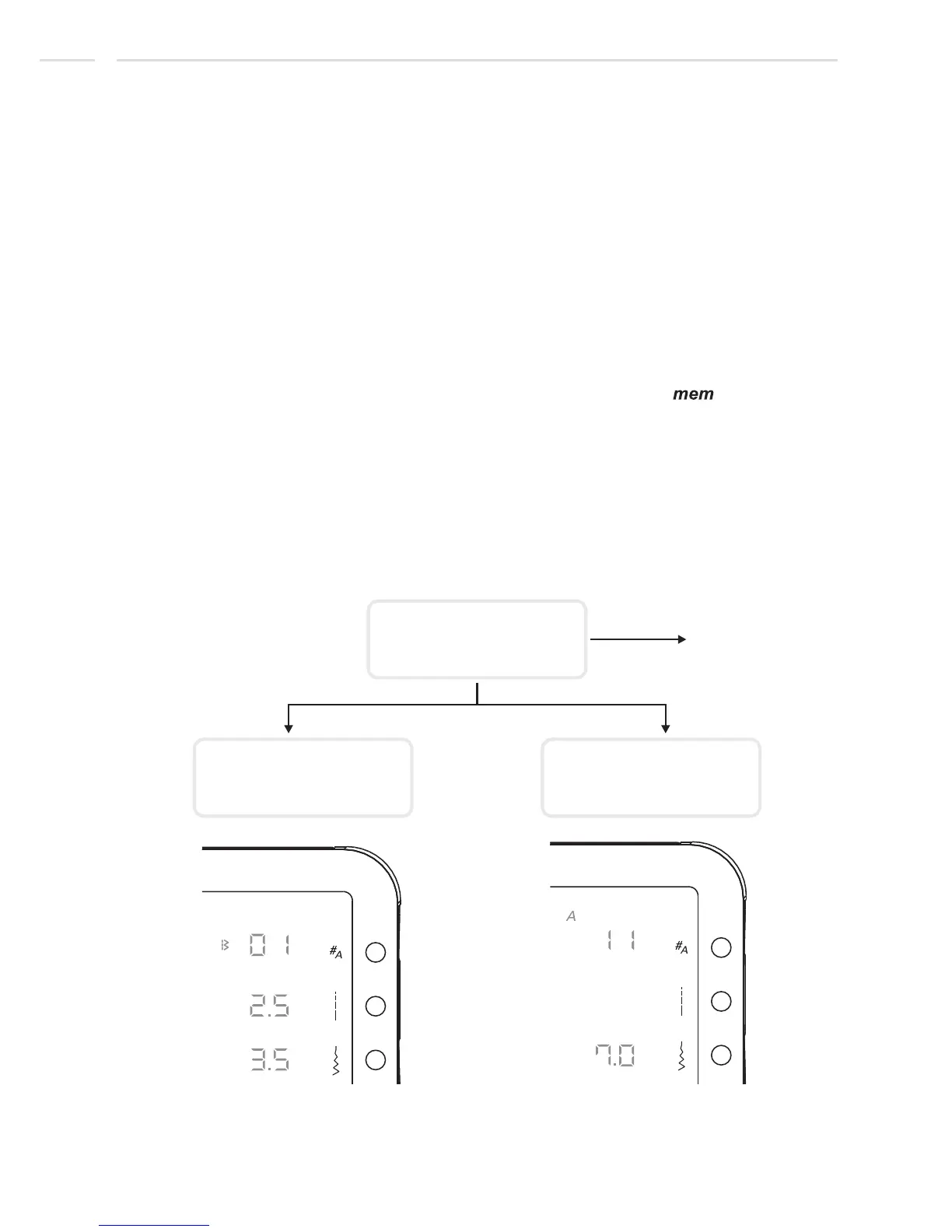
Select stitch and sew. There are two Pattern groups available, the Pattern group
and Alphabet group (only model 25).
Program a sequence of stitches and sew mem indicator " " on = memory
mode active. (For detailed Memory Mode descriptions see from page 65)
Normal Mode:
Memory Mode:
Normal Mode - model 25
Standard Display
(after switching on)
Pattern Selection
Alphabet selection
Memory Mode
See from page 65.
30












 To Next Page