BT-1 user manual
Page 28 of 70
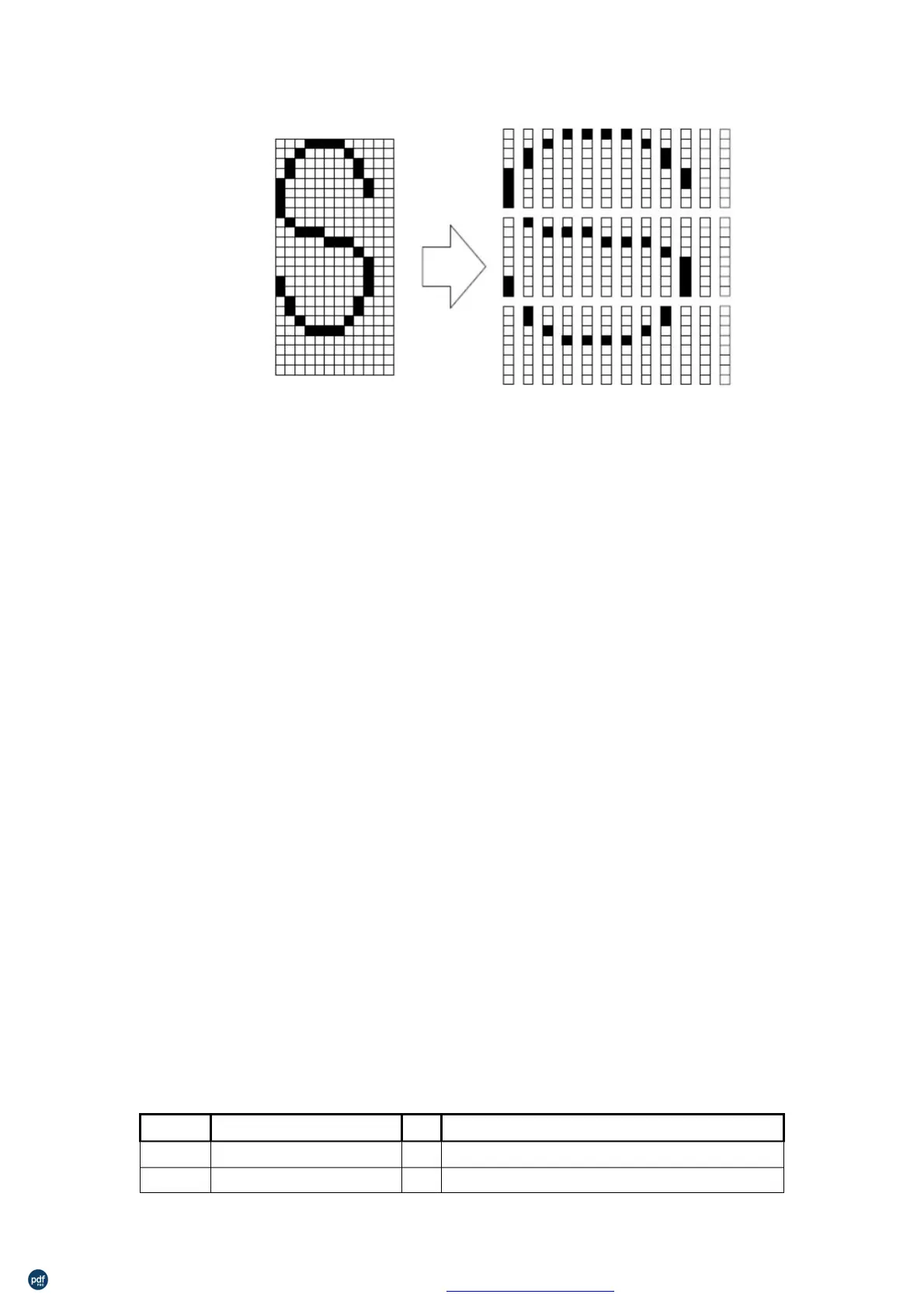
d1=<0F>H d4=<30>H d7=<40>H . . . .
d2=<03>H d5=<80>H d8=<40>H . . . .
d3=<00>H d6=<00>H d9=<20>H . . . .
n
n
37
3F
Hexadecimal:
32≤n≤126
[Description]
[Note]
This command cancels the patterns defined for the character codes
specified by n. After the user-defined characters are canceled, the
corresponding patterns for the internal characters are printed.
This command deletes the pattern defined for the specified code in
the font selected by ESC !.
λ
If user-defined characters have not been defined, the printer ignores
this command.
Select an internal character set
27 82 n
1B 52 n
Hexadecimal:
0≤n≤13
Select an internal character set n
0
1
8
9
Japan
利用 pdfFactory Pro 测试版本创建的PDF文档 www.pdffactory.com



 To Next Page