BT-1 user manual
Page 34 of 70
GS *
GS v 0 m xL xH yL yH d1....dk
GS v 0 m xL xH yL yH d1...dk
29 118 48 m xL xH yL yH d1...dk
1D 76 30 m xL xH yL yH d1...dk
Hexadecimal:
0≤m≤3, 48≤m≤51
0≤xL≤255
0≤xH≤255, where 1≤(xL+xH×256)≤48
0≤yH≤8, where 1≤(yL+yH×256)≤4095
k=(xL+xH×256)×(yL+yH×256) (k≠0)
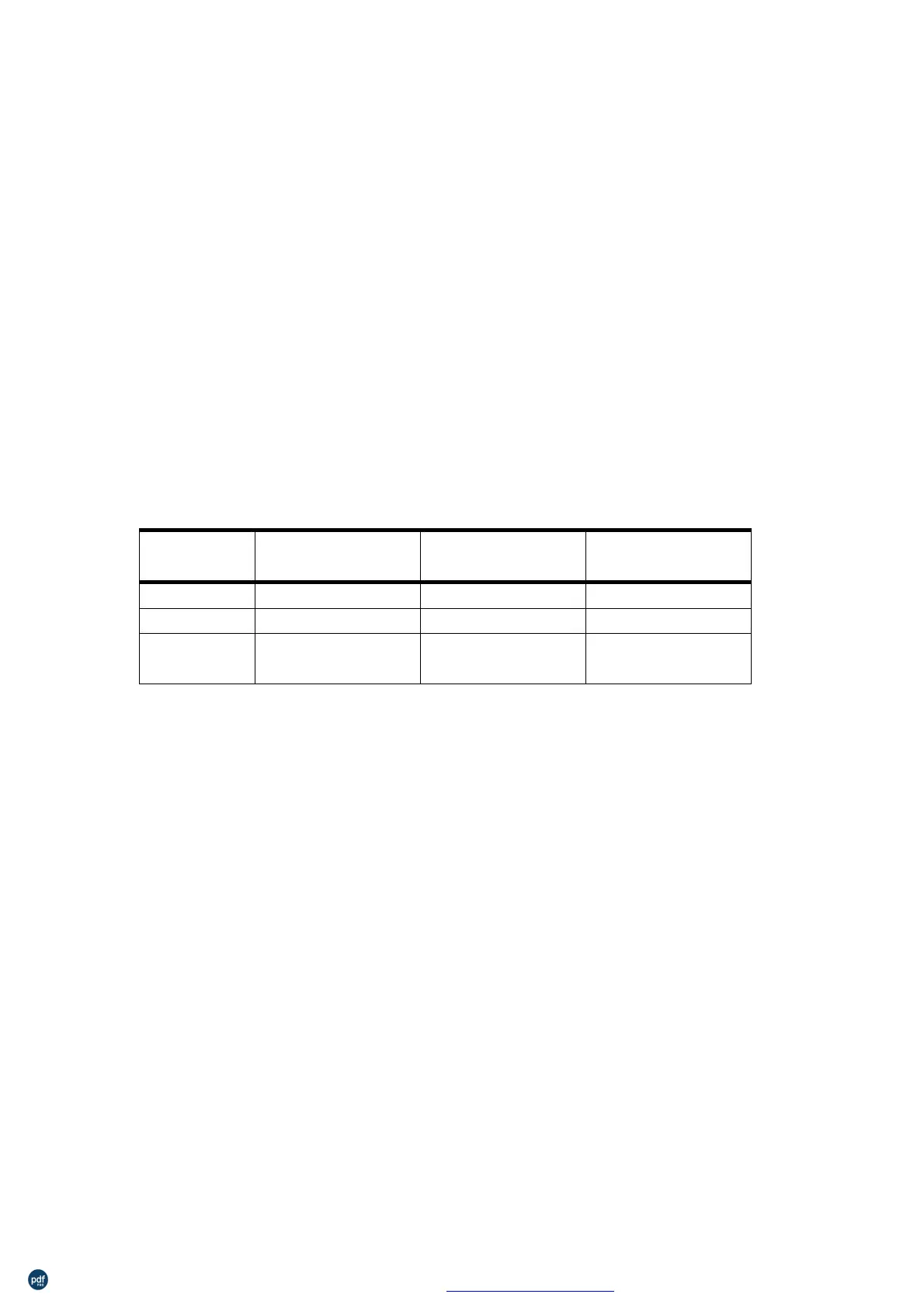
Selects raster bit-image mode. The value of m selects the mode, as
follows:
0, 48
1, 49
2, 50
3, 51
203.2 dpi
203.2 dpi
101.6 dpi
101.6 dpi
203.2 dpi
101.6 dpi
203.2 dpi
101.6 dpi
Double-width
Double-height
Quadruple
λ
λ
λ
xL, xH, select the number of data bytes (xL+xH×256) in the
horizontal direction for the bit image.
yL, yH, select the number of data bits (yL+yH×256) in the vertical
direction for the bit image.
In standard mode, this command is effective only when there is no
data in the print buffer.
This command is not affected by print modes (character size,
emphasized, double-strike, upside-down, underline, white/black
reverse printing, etc.) for raster bit image.
λ
Data outside the printing area is read in and discarded on a
dot-by-dot basis.
The position at which subsequent characters are to be printed for
raster bit image is specified by HT (Horizontal Tab), ESC $ (Set
absolute print position), and GS L (Set left margin). If the position at
which subsequent characters are to be printed is a multiple of 8.
The ESC a (Select justification) setting is also effective on raster bit
images.
λ
d indicates the bit-image data. Setting a bit to 1 print a dot and
setting it to 0 does not print a dot.
利用 pdfFactory Pro 测试版本创建的PDF文档 www.pdffactory.com



 To Next Page