18
317306_SGWI 180_2019-05-03_02_WarningSticker_Lidl
max.
180 kg
396 lb
28 st
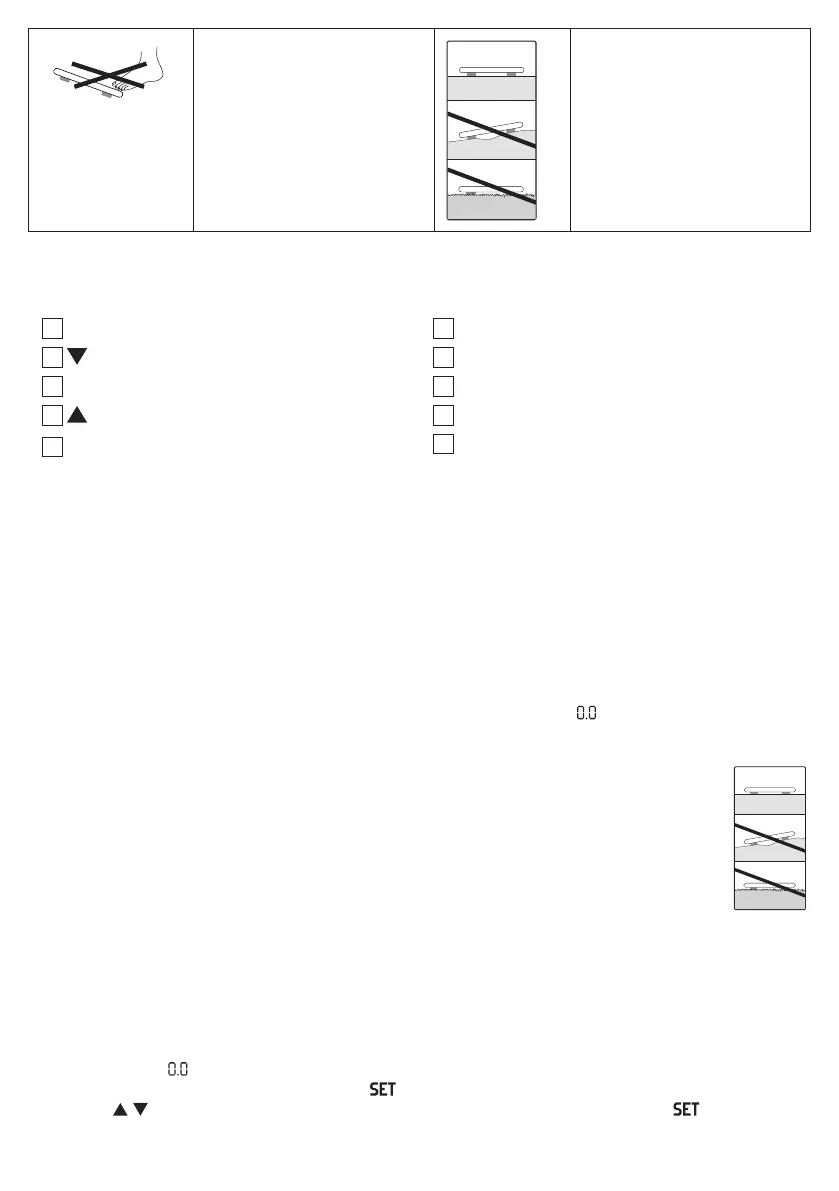
Danger of tipping: position
yourself in the centre of the
weighing surface.
Place the scale on an even
surface. No carpet.
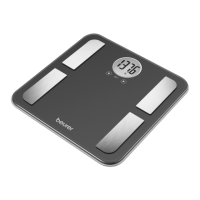
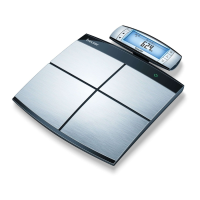
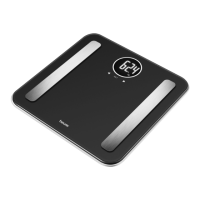
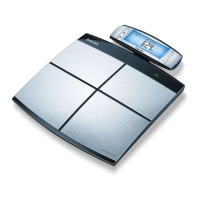
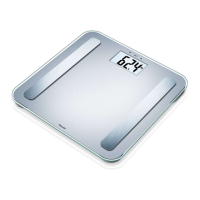
3. DEVICE DESCRIPTION
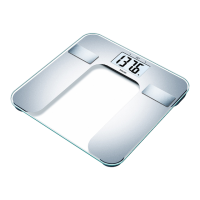
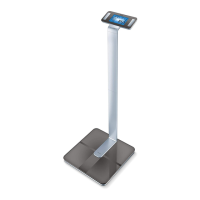
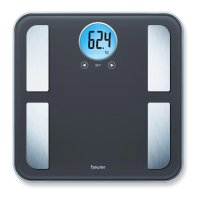
The associated drawings are shown on page 3.
1
Electrodes
2
-button
3
SET button
4
-button
5
Display
6
Battery compartment
7
UNIT-button
8
Measured value
9
Measurement unit
10
Body data
4. INITIAL USE
Inserting the batteries
If present, pull the battery insulating strip o the battery compartment cover or remove the battery’s protective
film and insert the battery according to the polarity. If the scale fails to operate, remove the battery completely
and insert it again. Your scale is equipped with a “replace battery” indicator. When the scale is operated with
a battery which is too weak, “Lo” appears in the display field and the scale automatically switches o. In this
case the batteries must be replaced (1 x 3 V lithium battery CR2032).
Changing the weight unit
When supplied to the customer, the scale is set to weigh in “kg”. Switch on the scale by briefly applying pres-
sure to the standing surface with your foot (approx. 1-2 seconds). Wait until “ kg” appears in the display. To
the rear of the scale, there is a button where you can select “pound” and “stones” (lb, st).
Positioning the scale
Place the scale on an even, hard surface; a hard surface is crucial for achieving accurate
measurements.
5. ENTERING USER DATA
To calculate your body fat percentage and additional body values, you must save the personal user data.
The scale has 10 user memory spaces which allow you and members of your family to save and access per
-
sonal settings, for example.
• Place the scale on an even hard surface; a hard surface is crucial for achieving accurate measure
-
ments.
• Switch on the scale by briefly applying pressure to the standing surface with your foot (approx. 1-2 sec
-
onds). Wait until “ kg” appears in the display.
• Start configuring the settings by pressing the
button. The first memory space flashes in the display.
• Press the
/ button to select the desired memory space and confirm by pressing the button.


 To Next Page