19
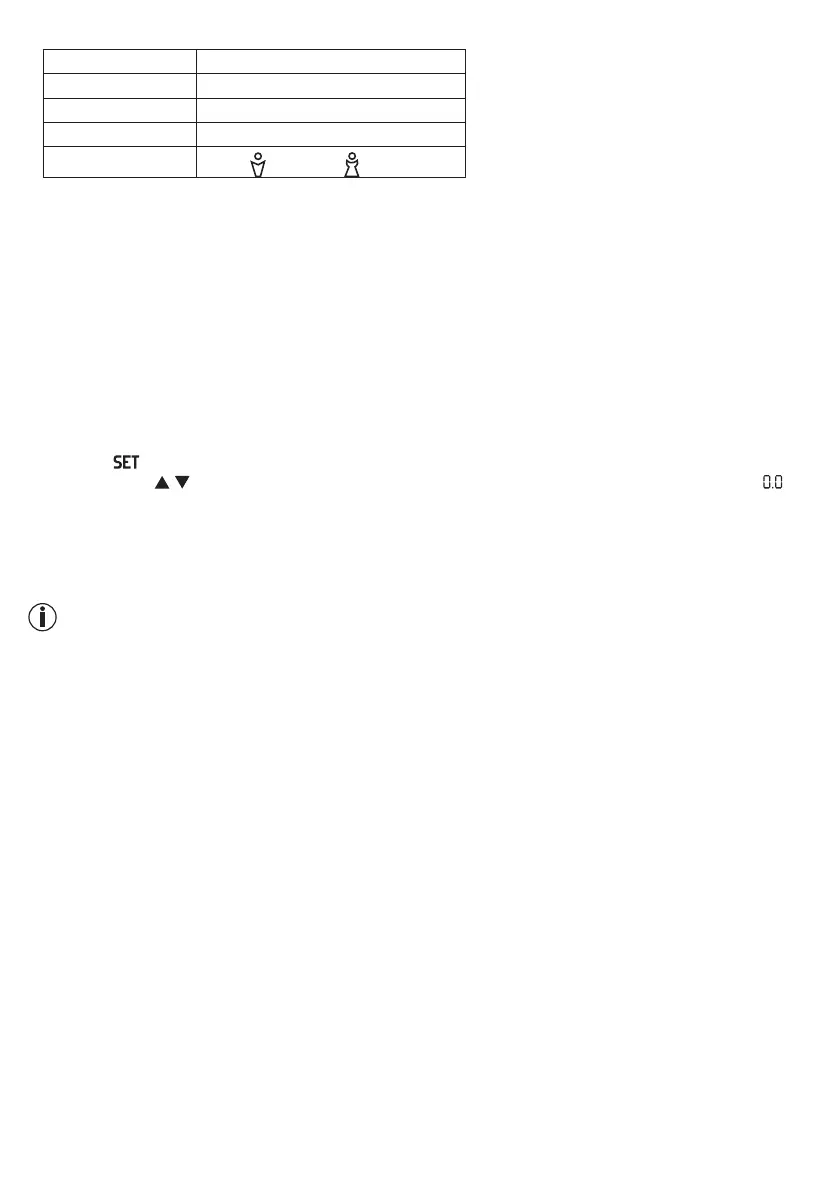
• You can now implement the following settings:
User data Set values
Users/persons P-1 to P-10
Height 100 to 220 cm (3-03" to 7-03")
Age 10 to 100 years
Gender
Male
( ), female ( )
• The values that you have set here are then displayed again one after another. The scale then switches itself
o automatically at this point.
6. USAGE
6.1 Taking measurements
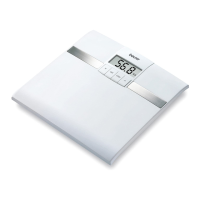
Place the scale on an even, hard surface; a hard surface is crucial for achieving accurate measurements.
Measuring weight only
Step onto the scale. Stand still with your weight distributed equally on both feet. The scale begins to take
measurements straight away. If the display appears continuously, the measurement has finished.
If you step o the weighing area, the scale switches o after a few seconds.
Performing measurement and diagnosis
– Press the button and select the memory space where you would like to save your basic personal data
by pressing the
/ button the appropriate number of times. These are displayed in sequence until “ kg”
and the selected gender appear.
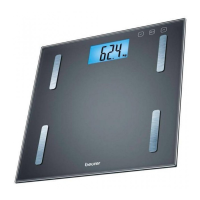
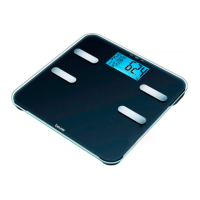
– Step onto the scale with bare feet and make sure that you are standing still with equal weight distribution.
Stand on the stainless steel electrodes with both feet.
– Remain on the scale and avoid moving; it is now performing your body fat and body water analysis. This
may take a few seconds.
Note:
Your feet, legs, calves and thighs must not touch each other. Otherwise the measurement cannot be
performed correctly.The scale immediately begins to measure your weight.
The following data are displayed:
– Body weight in kg
– Body fat percentage FAT in %
– Water percentage BW in %
– Muscle percentage MUS in %
– BMI
– Visceral fat value V-FAT
– Metabolic age AGE
– Now all measured values are displayed consecutively and the scale switches o.
Switching o the scale
The scale switches itself o automatically.
6.2 Evaluating the results
For a simpler and more easy to understand classification, your values are interpreted directly on the display.


 To Next Page