45
4.2 Set the date and time
It is essential that you set the date and time. Otherwise, you will not be able to save your measured
values correctly with a date and time and access them again later.
There are two different ways to access the menu from which you can adjust the settings:
• Before initial use and after each time you replace the battery:
When inserting batteries into the device, you will be taken to the relevant menu automatically.
• If the batteries have already been inserted:
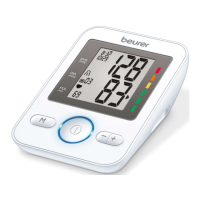
Press and hold the function button [+] on the device when switched off for approx. 5 seconds.
The year flashes on the display.
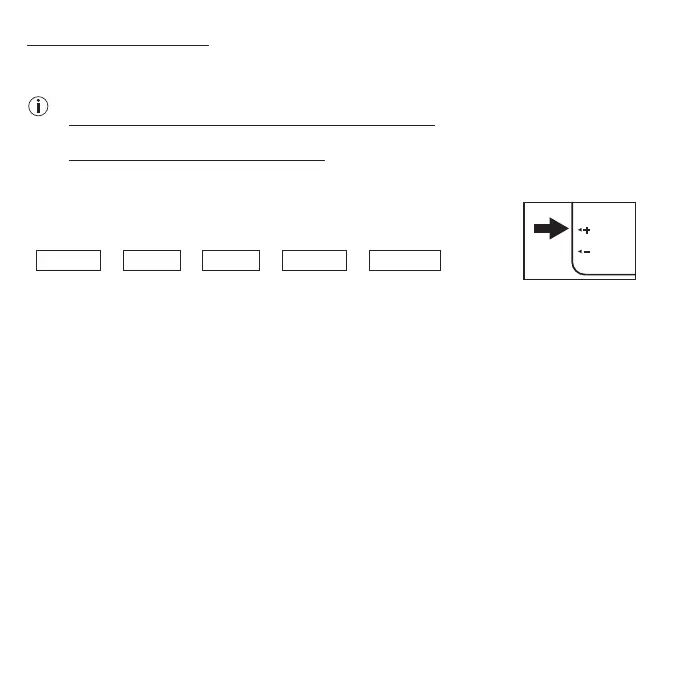
In this menu you can adjust the following settings in succession:
Year
➔
Month
➔
Day
➔
Hour
➔
Minute
1. Set the year using the
+/-
buttons on the side (
you can select a year between 2020 and 2099).
To
confirm the year, press the memory button
M
.
2.
The month now flashes on the display. Set the month using the
+/-
buttons. To confirm the month,
press the memory button
M
.
3. The day now flashes on the display. Set the day using the
+/-
buttons. To confirm the day, press
the memory button
M
.
4.
The hour now flashes on the display. Set the hour using the
+/-
buttons. To confirm the hour,
press the memory button
M
.
5. The minute now flashes on the display. Set the minute using the
+/-
buttons. To confirm the min-
ute, press the memory button
M
.


 To Next Page