56
Background information and medical statistics for your doctor can be found in the “Annex for at-
tending doctor” document included with your device.
6.5 Displaying and deleting ECG measured values
The device has two user memories. Each user memory can store up to 60measurements. Once
all memory spaces in a user memory have been used, the oldest measurements are replaced by
the most recent.
You can access stored measurements on the device at any time. Proceed as follows:
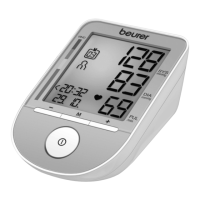
1. With the device switched o, press the memory button M. The last
stored measured value in the selected user memory is displayed.
To access the measured values in the second user memory,
press and hold the memory button M for 3seconds.
2. To navigate between the individual measurements, press the mem-
ory button M.
If you want to delete the entire memory of the respective user, press the M memory button again
and press and hold it together with the START/STOP button for 5 seconds.
7. “ beurer Cardio Expert”
To obtain a detailed representation of your recorded data, you can install the PC version of “beurer
CardioExpert” from the supplied CD or download the app, which is available as a free download from
the Apple App Store or Google Play. The data can be transferred via USB interface or Bluetooth
®
.
When plugging the device into the computer`s USB port for data downloading, please keep the de-
vice lying flat (horizontally) on the table.
System requirements
PC version
•
Windows 7 SP1 or higher
•
USB 2.0 (Type A) or higher
M


 To Next Page