16
EN
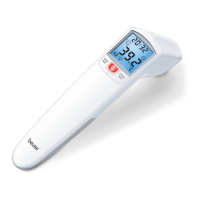
Non-contact forehead thermometer FT 90
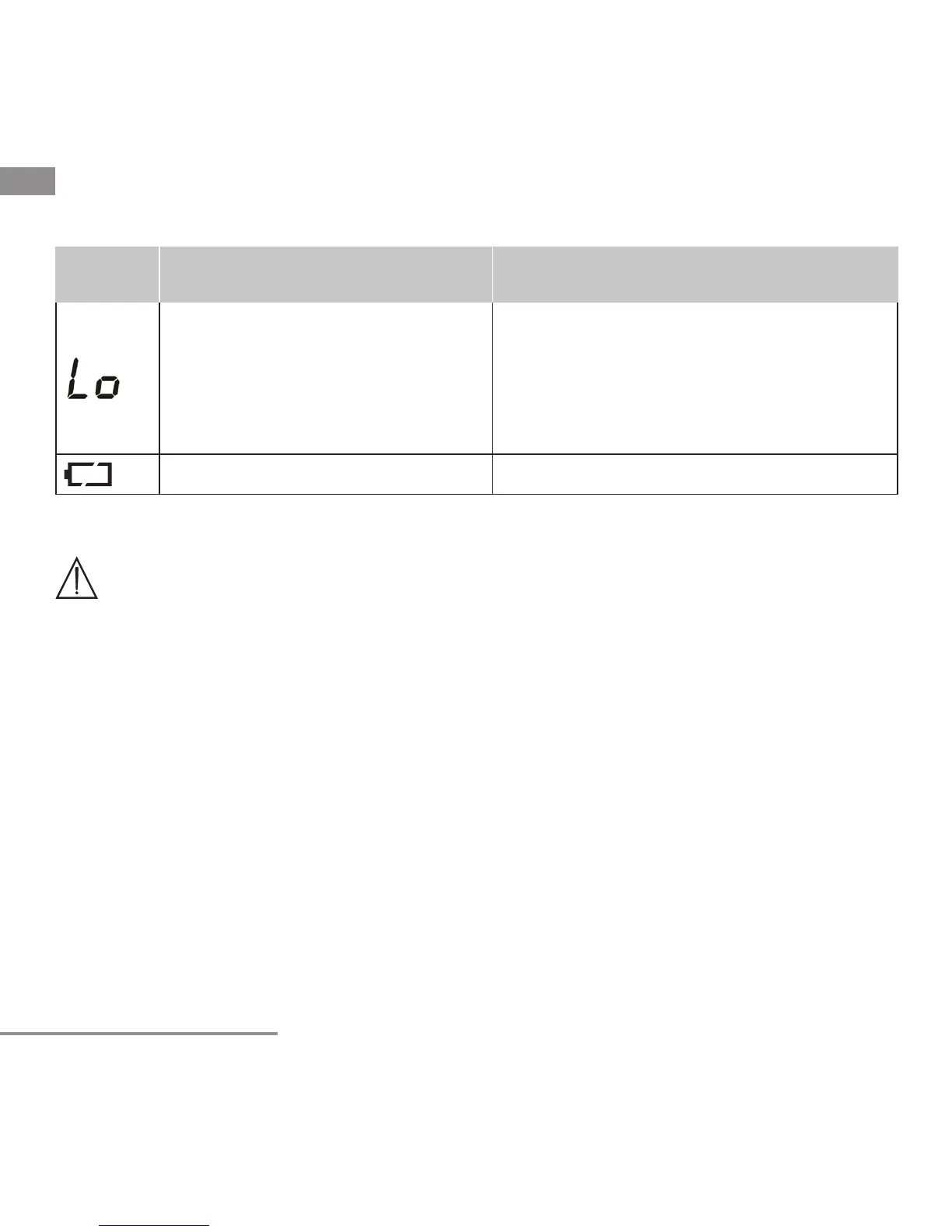
Error
message
Problem Solution
(1) Forehead temperature mode:
The temperature recorded is
lower than 93.2 °F (34 °C).
(2) Object temperature mode: The
temperature recorded is lower
than -7.6 °F (-22 °C).
Operate the thermometer only between the
specified temperature ranges. In the event
of a repeated error message, contact your
retailer or Customer Services.
The batteries are empty. Replace the batteries.
10. Batteries
WARNING:
• Use only the size and type of batteries specified.
• Be sure to follow the correct polarity when installing the batteries. Reversed bat-
teries may cause damage to the device.
• Do not mix different types of batteries together (e.g. Alkaline and Carbon-zinc or
rechargeable batteries) or old batteries with fresh ones. Always replace batteries
as a simultaneous set.
• If the batteries in the device are depleted or the device will not be used for a long
period of time, remove the batteries to prevent damage or injury from possible
battery leakage.
• Do not try to recharge batteries not intended to be recharged; they can overheat
and rupture (follow battery manufacturer’s directions.)
• Do not dispose of batteries in fire, batteries may explode or leak.
• Clean the battery contacts and also those of the device prior to battery installation.
• Remove discharged batteries from the product and dispose/recycle in compli-
ance with all applicable laws.
• Keep batteries away from children and pets. Batteries may be harmful if swal-
lowed. Should a child or pet swallow a battery, seek medical assistance im-
mediately.


 To Next Page