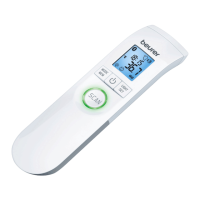
9
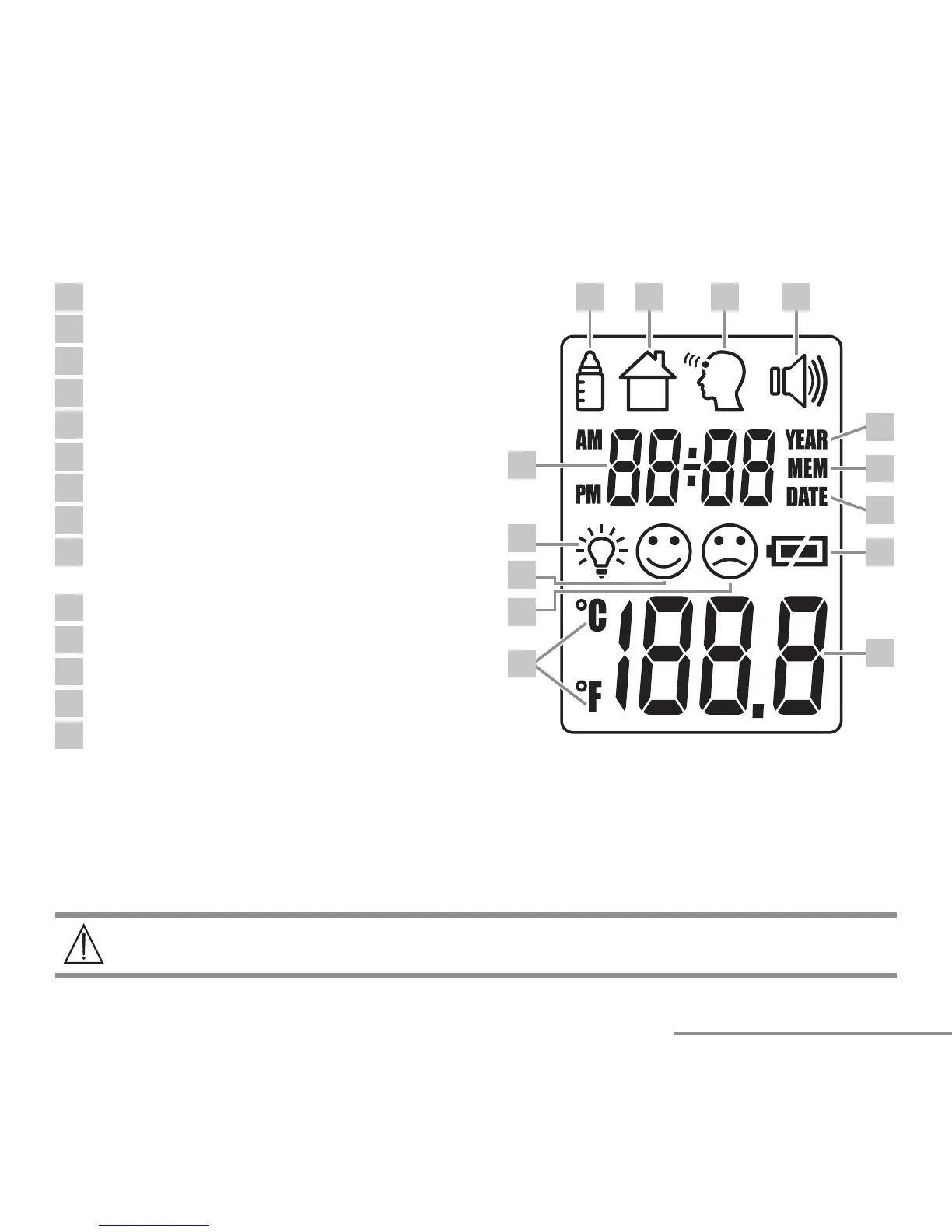
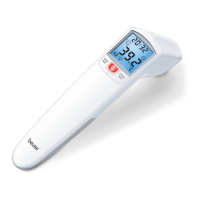
4.1 Display description
1
Object temperature mode
1 2 3 4
5
6
7
8
9
10
11
12
13
14
2
Room temperature mode
3
Forehead temperature mode
4
Acoustic signal symbol
5
Year
6
Memory function
7
Date
8
Battery level
9
Temperature/memory space number
display
10
Fahrenheit/Celsius measurement unit
11
Measurement result: “fever”
12
Measurement result: “no fever”
13
Illuminated display symbol
14
Year/date/time display
5. Initial use
If provided, pull out the battery insulating strip at the battery compartment or remove the
protective film from the battery and insert the battery with the correct polarity.
6. Switching on and setting the thermometer
The measuring sensor should be cleaned before and after each use, to eliminate
dirt and fingerprints and ensure accuracy of your readings.


 To Next Page