10
EN
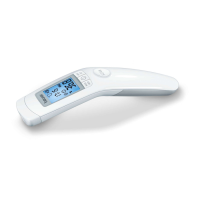
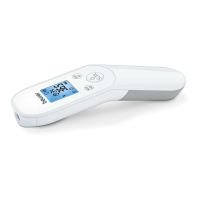
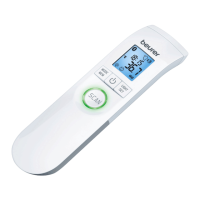
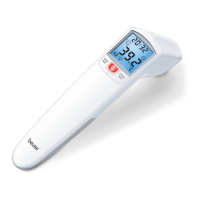
Non-contact forehead thermometer FT 90
Briefly press the On/Off button .
After a brief self-test and two short beeps the thermometer is ready for forehead measure-
ment.
The device always starts up in forehead temperature mode .
6.1 Setting the basic functions
This menu allows you to set the following functions individually, one after another.
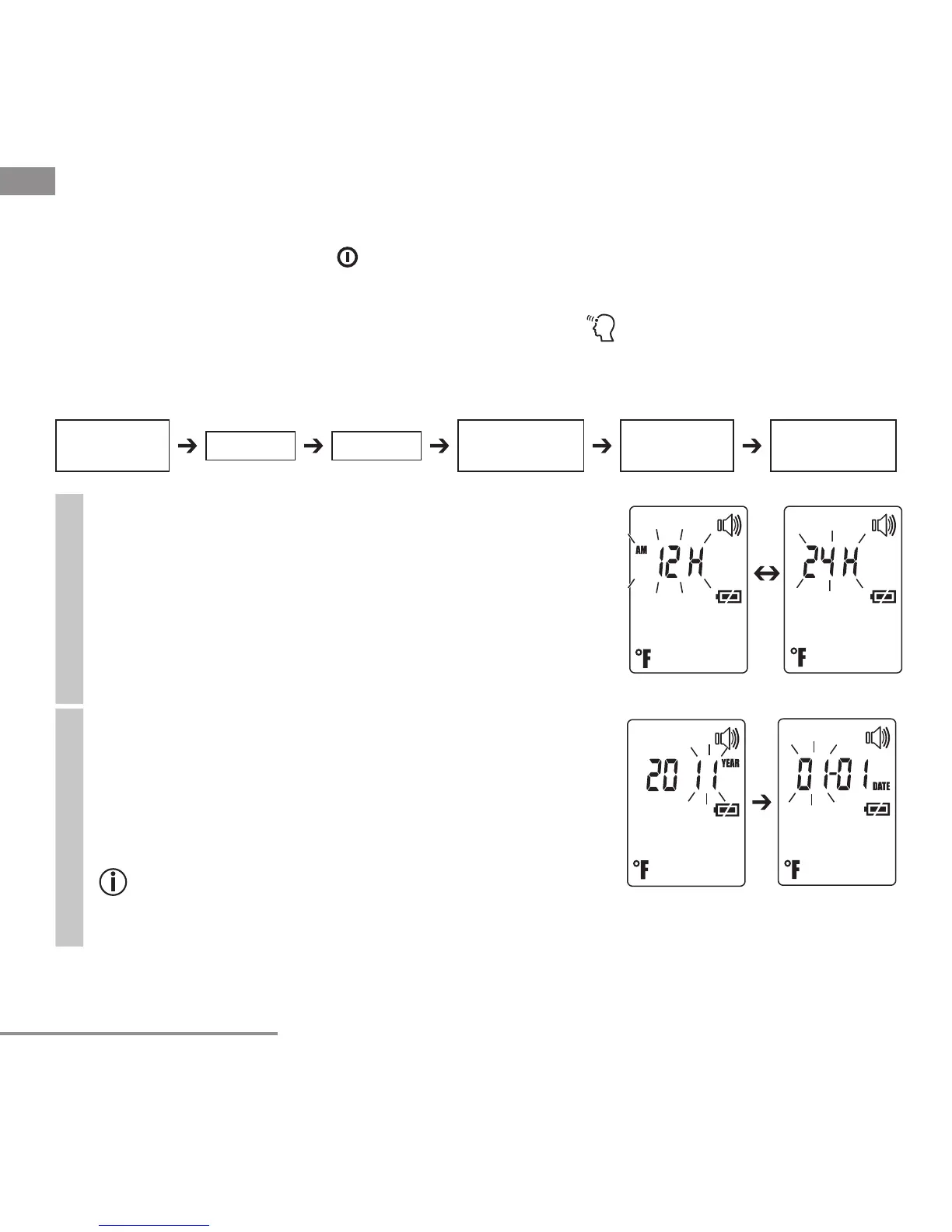
Time format
• With the thermometer switched on, press and hold
the LIGHT/SET button for 5 seconds.
The time format option flashes on the display (fig. 1).
• Use the MODE/MEM button to set your preferred
time format and confirm with the LIGHT/SET button.
Fig. 1
Date
The year flashes in the display (fig. 2).
• Use the MODE/MEM button to set the year and con-
firm with the LIGHT/SET button.
Month/day flashes in the display (fig. 3).
• Use the MODE/MEM button to set the month and
day, and confirm with the LIGHT/SET button.
In the 24h format, the date is displayed as day/
month. In the 12h format, it is displayed as month/
day.
Fig. 3
Fig. 2
Temperature
meas. unit
Illuminated
display
Time format
Date Time
Acoustic
signal


 To Next Page