22 23
5. DEVICE DESCRIPTION
The associated drawings are shown on page 3.
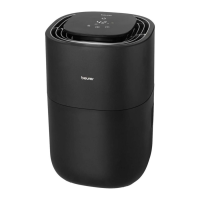
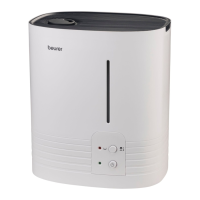
Air humidifier Control panel
1
Control panel
2
Air outlet
3
Motor unit
4
Filter
5
Water level sensor
6
“Max.” mark
7
Filter holder
8
Water tank
9
Air inlet
10
ON/OFF button
11
Display
(shows current relative humidity, fan speed and timer duration)
12
Target humidity indicator
13
Target humidity button
14
Timer button
15
Fan speed button
16
NIGHT indicator
(lights up when NIGHT mode is active)
17
AUTO indicator
(lights up when AUTO mode is active)
18
Filter drying indicator
(lights up when filter drying function is active)
19
Filter change indicator
(lights up when filter change is necessary)
20
Water tank indicator
(lights up when the water tank is empty/needs to be refilled)
6. INITIAL USE
1. Open the cardboard packaging.
2. Remove the device from the top of the box without opening the film bag.
3. Remove all films and adhesive strips. Remove the filter
4
from the device (see section “8.3 Changing
the filter”) and take it out of the plastic film. Then re-insert the filter
4
into the device.
4. Check the device, mains plug and cable for damage.
7. USAGE
7.1 Starting use
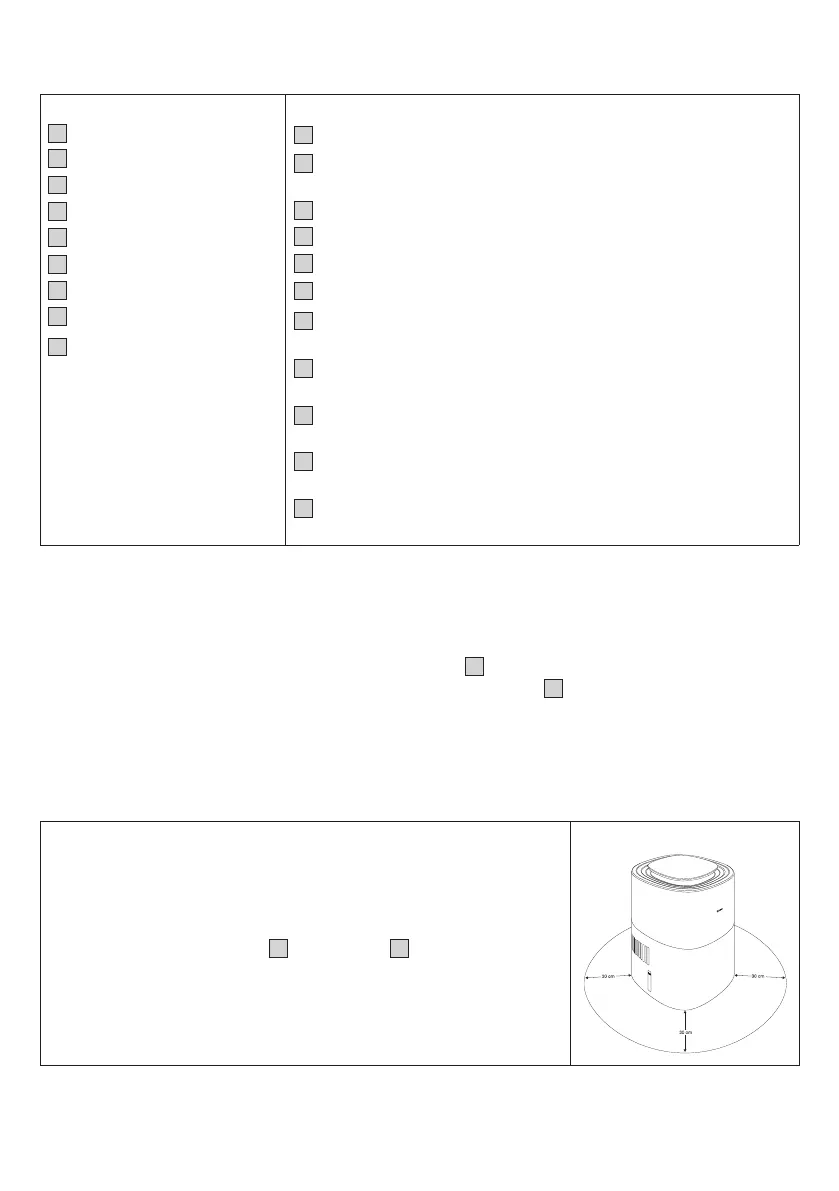
Step 1: Position the air humidifier
1.
Place the air humidifier on a stable, horizontal and level surface to
prevent vibrations and noise. Never move the air humidifier during use.
2. Set up the air humidifier in such a way that provides 30 cm clearance
on all sides.
3. Make sure that the air inlet
9
and air outlet
2
are never blocked.


 To Next Page
 Loading...