45
english
6.5 Microphone data - Selection of chairman microphone units
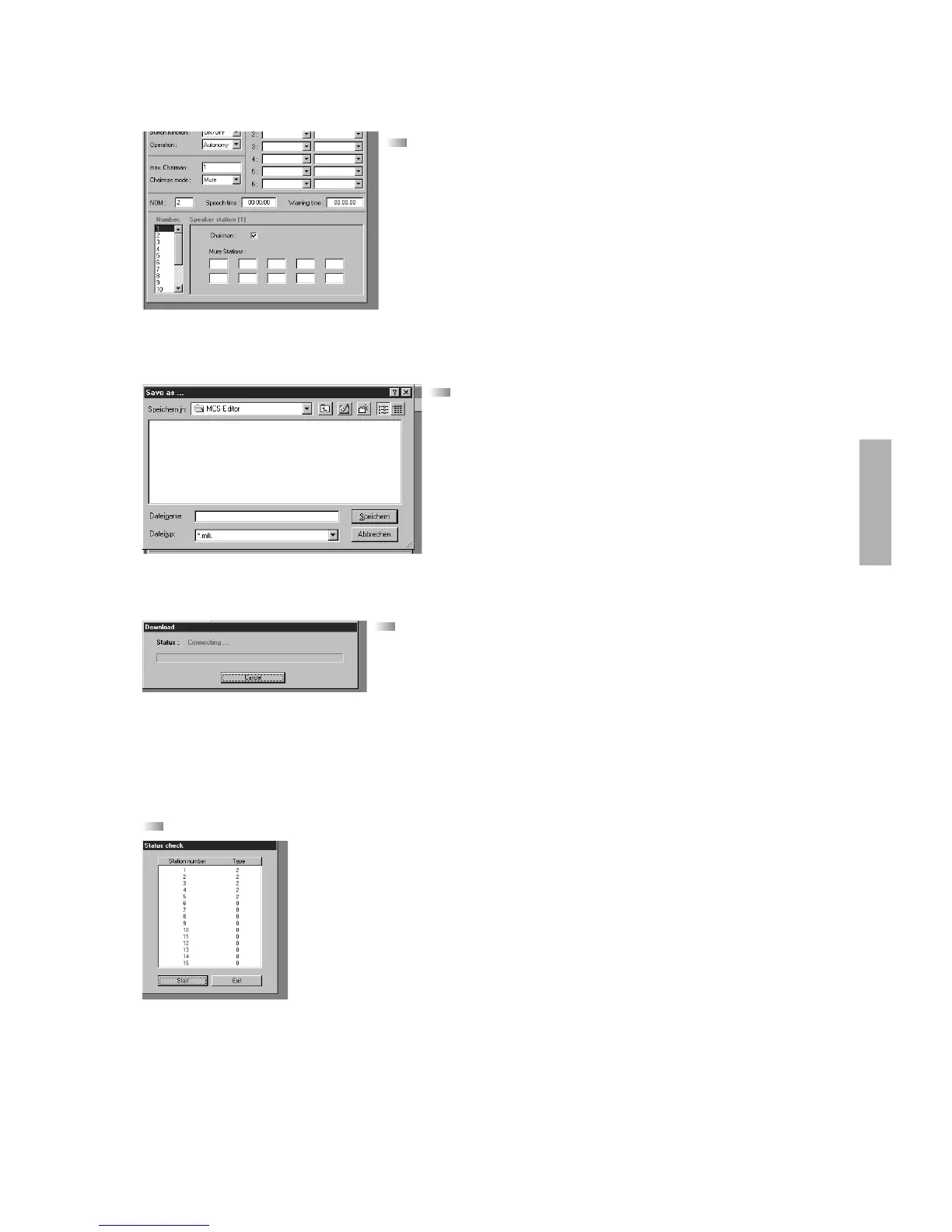
After the status check the chairman microphone unit can be selected. This is
achieved by marking the corresponding microphone unit and the “Chairman” panel. A
delegate microphone unit can be selected also as chairman. (Refer to chapter
“1.2 Microphone units” and “1.3 Addressing of the microphone unit”.)
Important: It is only possible to select the number of microphone units as chairman
that have been entered in the “Max. Chairman” panel before. In the “Mute Stations”
panel you can select the microphone units of which the loudspeakers have to be
muted (e.g. neighbouring microphone unit). This function should be used, if the
microphone units stand too close to each other and feedback sets in too early.
6.6 Saving
When you have entered all data, access the “File” menu and the “Save”
command. Enter a name for the file and click “OK”. You should also save when
you have changed something.
6.7 Downloading the data
For downloading the entered data to the MCS 50 discussion control unit access the
“Control” menu and the “Download” command. The data are downloaded to the MCS 50
discussion control unit. After this the MCS 50 is starting a new system check and if the
system is “OK”, the default screen will appear.
Note
If the connection is not set up, check the interface configuration in the MCS-Editor. Choose the “Diverse” menu item and the
“Configuration” command to define the free serial interface (set to “COM 2” at the factory).
6.8 Status Check
Choosing the “Control” menu and the “Status Check” command all possible 32 microphone units are checked. All microphone
units that were found appear on the screen. The computer differentiates the microphone units by types.
Type 1 = Microphone unit without loudspeaker
Type 2 = Microphone unit with loudspeaker
Note
If the PC does not indicate a microphone unit, check the addressing and the cable connection of that microphone unit.












 To Next Page