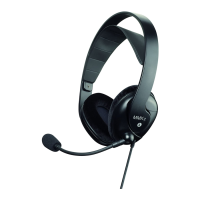
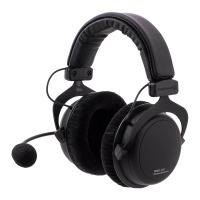
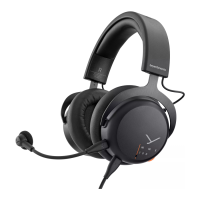
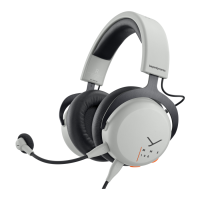
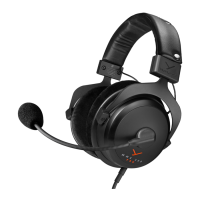
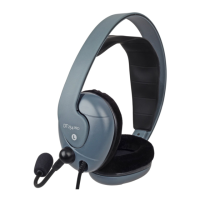
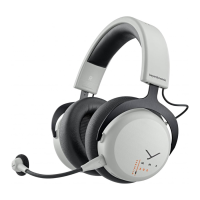
10 MMX 200 wireless Gaming Headset
LOW LATENCY MODE
By default, the MMX 200 wireless is supplied in Low Latency Mode.
This mode is suitable for gaming on devices with USB connection
(PC, PlayStation®, Nintendo Switch™).
� Connect the dongle to the USB connection of the device
(PC, PlayStation® Nintendo Switch™).
� When the headset is in Bluetooth® Mode:
Press the / button twice briefly to switch to the
Low Latency Mode.
� If the supplied dongle is lo and a new dongle is to be used,
it mu be paired with the headset.
You can find more information at:
suppo.beyerdynamic.com
BLUETOOTH® MODE
Before the headset can be used in Bluetooth® Mode, it mu be
paired with a mobile phone or another Bluetooth®-enabled device.
The pairing prodcedure can dier between various devices.
� Please refer to the operating inructions of the device with
which the headset is to be paired.
� When the headset is in Low Latency Mode:
Press the / button three times in rapid succession to switch
to Bluetooth® Mode.
� Select MMX 200 wireless in the pairing li on the mobile phone
or other Bluetooth®-enabled device.
� Once the headset is connected, audio and telephone functions
are available via the / button.
Please refer also to the “Operating functions/operation” table.
Hybrid Mode
For Hybrid Mode: Whil the headset is in Bluetooth® Mode, it is
connected via a mini jack (3.5 mm) to an analogue headphone
output (e.g. controller) with the optional analogue cable.
The audio signals from Bluetooth® and the analogue device
are mixed 50/50.
� Whil the headset is in Bluetooth® Mode, connect the
headset to the headphone output (e.g. controller) with
the analogue cable.
� If the cable is disconnected from the device, the headset
switches to the Bluetooth® Mode or connects to the dongle,
if no Bluetooth® connection has been active before.
� When Bluetooth® is disconnected, the headset operates
in the analogue mode.
� Please control the volume of the Bluetooth® and analogue
source (e.g. game console) directly on the analogue or
Bluetooth® device.


 To Next Page