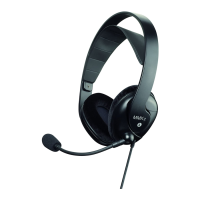
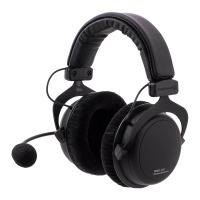
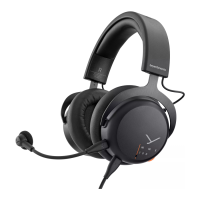
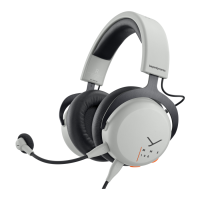
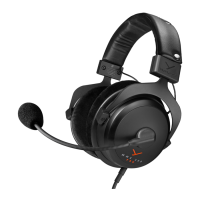
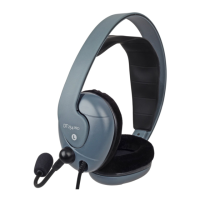
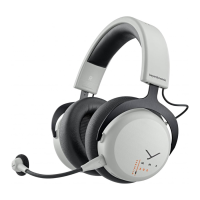
8 MMX 200 wireless Gaming Headset
OVERVIEW LIGHT GUIDE DISPLAY
Function Light guide display
Headset tries to connect to
receiver/device
Flashing red/blue
Headset connected to
Bluetooth® device when
dongle is connected (Augmen-
ted Mode is o)
Slowly flashing orange
Headset is connected to
Bluetooth® device
Slowly flashing blue
Incoming call Flashing red/green
Augmented mode is activated Slowly flashing turquoise
Microphone is muted Illuminates red
Headset is being charged Battery full = illuminates
green
Battery > 30% = slowly flashing
yellow
Battery < 30% = slowly
flashing red
Error = rapidly flashing red
Soware update is being
carried out
Flashing magenta
Headset is switched o Illuminates orange
Bluetooth® pairing/discovering Alternately flashing blue/red
Bluetooth® connection lo Rapidly flashing blue
Bluetooth® connection lo
when dongle is connected
Rapidly flashing orange
Function Light guide display
Dongle connected to USB po
(not paired)
Illuminates white
Headset is connected to dongle Illuminates orange
OVERVIEW LIGHT GUIDE DISPLAY DONGLE
Function Light guide display
LC3 audio playback Slowly flashing orange
A2DP audio playback Slowly flashing blue
Microphone not muted during
call
Slowly flashing green
Function Microphone display
Microphone is muted LED illuminates red
Battery is almo empty LED is rapidly flashing red
OVERVIEW MICROPHONE LED DISPLAY


 To Next Page