EN
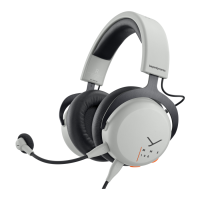
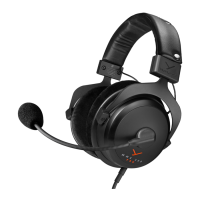
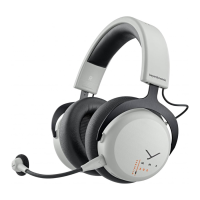
7MMX 200 wireless Gaming Headset
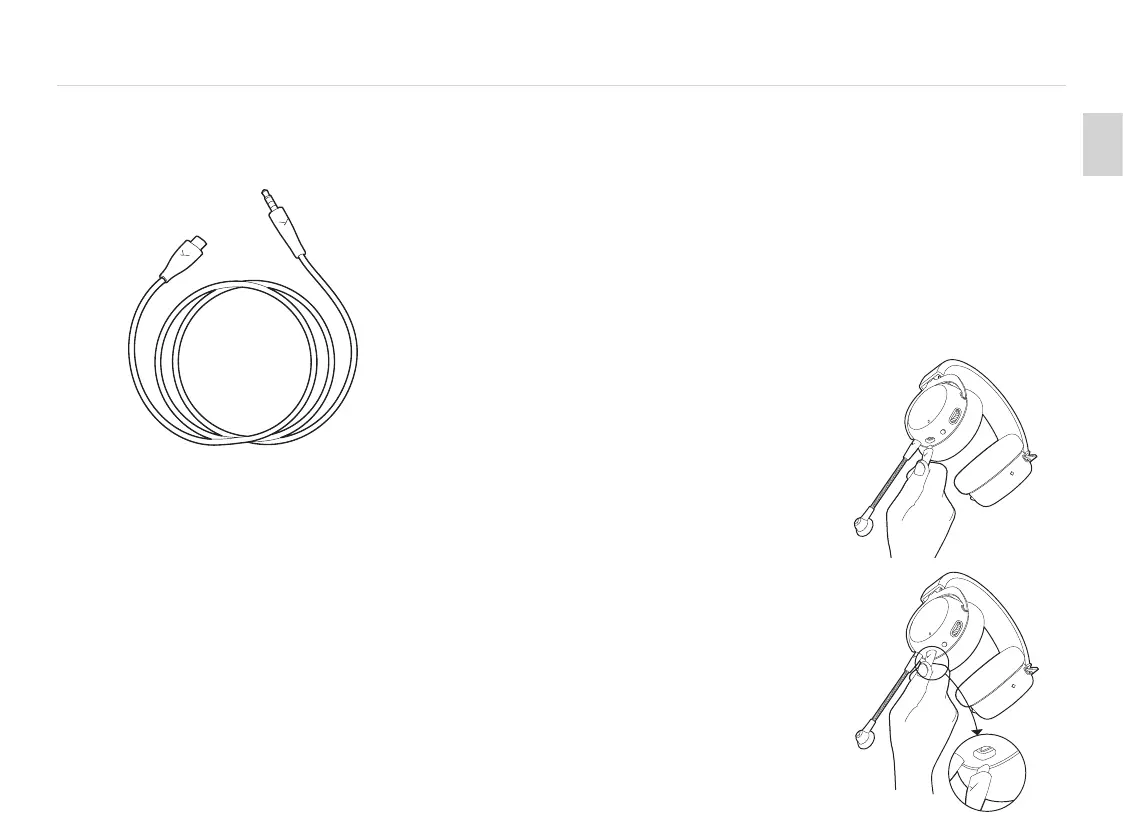
CONNECT THE JACK CABLE
� Connect the USB-C connector to your headset and the jack
plug to your device. The output signal should now be played
back by the MMX 200 wireless, as well as input signals that
will be picked up by the microphone.
� Please switch on the headset! Only aer switching on,
the headset is also active in analogue mode.
� When connecting to a computer, please also check your
syem audio settings and select your computer‘s sound
card as input and output device.
� Caution: Connect the jack plug of the cable to a
headphone socket only! If you connect the headset to
any other jack socket, the headset could be damaged.
Connect to device
Connect to
headset
CHARGING
� Connect the USB-C connector of the USB cable to the USB-C
po on the MMX 200 wireless. Connect the USB-A connector
to your device (e.g. power supply unit or computer etc.)
� During charging, the light guide pulses green.
� When the battery is low, the light guide flashes red.
� The MMX 200 wireless is supplied with a charge of approx. 60%.
Please fully charge before use.
� In order to protect the battery,
we recommend, that you do not
charge the product continuously
for more than 30 hours.
� Press the USB-C connector firmly
into the headset.
� Pull the connector carefully to
disconnect when charging is
finished or if another cable
is to be used.


 To Next Page