EN
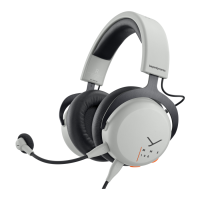
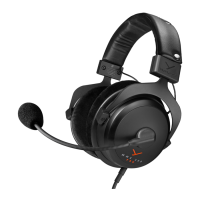
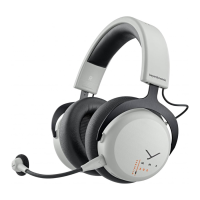
9MMX 200 wireless Gaming Headset
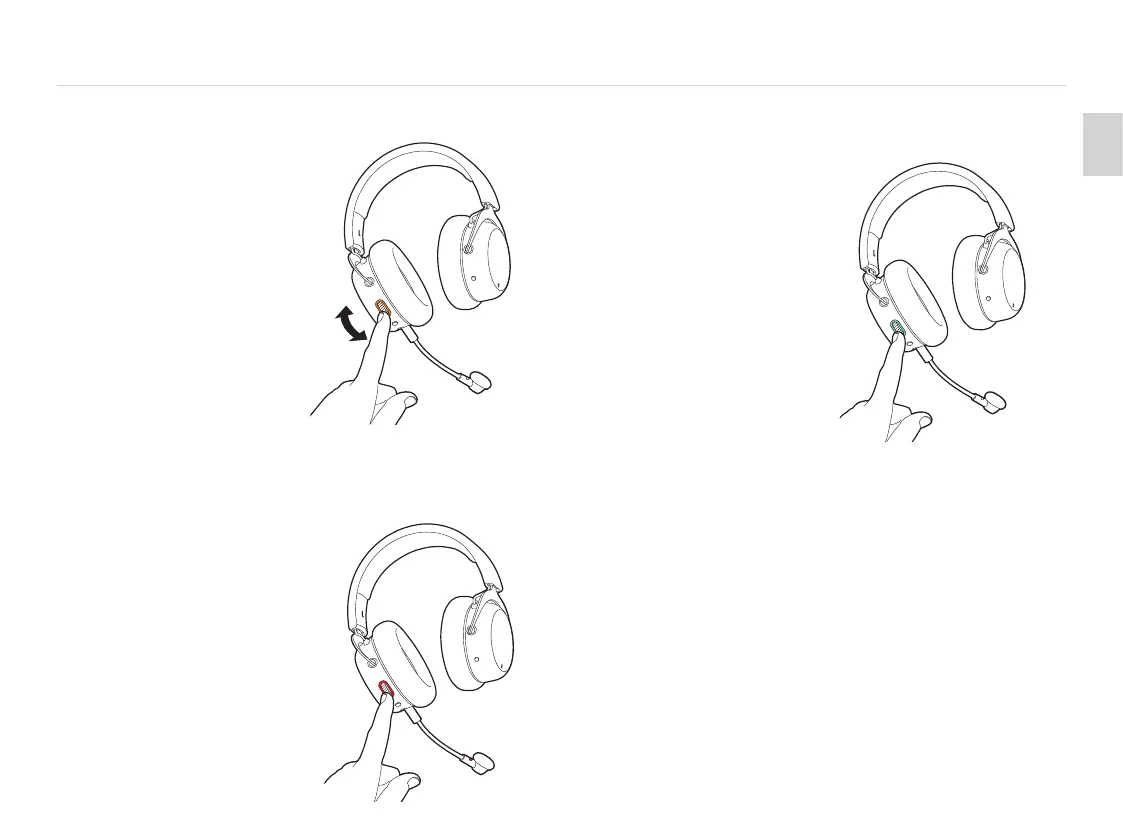
SET VOLUME
� To increase the volume,
simply turn the control wheel
upwards.
� To decrease the volume,
turn the control wheel
downwards.
Increase
volume
Decrease
volume
MICROPHONE MUTE ON/OFF
� Press the control wheel briefly
to mute the microphone.
� A red light on the microphone
as well as around the
control wheel illuminate.
� Briefly press the control wheel
again to unmute the microphone.
The red light goes out.
AUGMENTED MODE
� Using the Augmented Mode,
your headset works as if it
were open, i.e. you can hear
your voice more natural and
you can hear your surroundings
such as people talking to you
or the doorbell.
� Press and hold the control
wheel (2 seconds).
� The Augmented Mode is
enabled when you hear the
voice prompt. The light guide
around the control wheel will
illuminate turquoise.
� To disable the Augmented
Mode, press and hold the
control wheel again for
2 seconds. The turquoise
light will go o.


 To Next Page