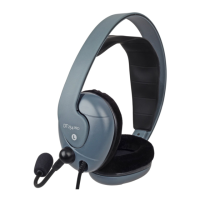
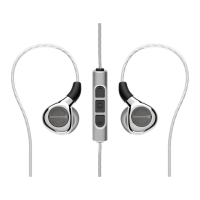
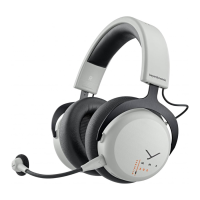
12 MMX 200 wireless Gaming Headset
MAINTENANCE
� Use a so cloth moiened with water to clean the suace.
� Make sure that no water enters the headset.
� Do not use cleaning agents containing solvents.
� Never use a vacuum cleaner for cleaning the headset,
as this may cause irreparable damage.
FIRMWARE UPDATE
�Firmware updates keep the MMX 200 wireless
up to date with the late technology.
� Connect the MMX 200 wireless to a computer via the USB cable.
� You can find the late firmware for your MMX 200 wireless at:
www.beyerdynamic.com/mmx-200-wireless
� Fir download the beyerdynamic Update Hub from the
“Downloads” section and inall it on your computer.
� Then a the firmware update and follow the inructions
on the screen.
� Please make sure that you always keep the firmware up to date.
SERVICE
� If you require service, please contact qualified service personnel
or directly:
beyerdynamic Service and Logiics Centre
E-mail: service@beyerdynamic.de
� Dismantling the headset yourself will invalidate the guarantee.
SUPPLIED ACCESSORIES
� 1 x USB-C to USB-A cable, 2.4 m (7.9 ),
to connect the headset to a computer/console
� 1 x Microphone pop shield
� 1 x Dongle (Low Latency Wireless Adapter)
ACCESSORIES / REPLACEMENT PARTS
� 1 x USB-C to 4-pole jack cable (CTIA), 1.2 m (3.9 ) ,
to connect the headset to analogue/poable devices
� More accessories and replacement equipment
can be found at: www.beyerdynamic.com
� If you have technical queions while using the headset
or need fuher guidance, please visit our FAQ website at:
suppo.beyerdynamic.com


 To Next Page