EN
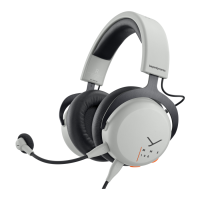
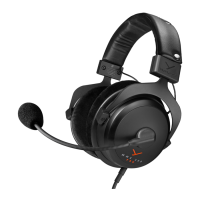
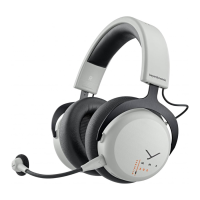
11MMX 200 wireless Gaming Headset
OPERATING FUNCTIONS / OPERATION
Operating functions Operation
Switch on � Press and hold the on-o
button for 3 sec.
Switch o � Press and hold the on-o
button for 3 sec.
Microphone mute on/o � Briefly press the control wheel
Augmented Mode
enable/disable
� Press the control wheel
approx. 2 sec.
Enable Bluetooth® Mode � Briefly press / button 3 x
Enable Low Latency Mode
(Dongle connected)
� Briefly press / button 2 x
Set volume � Increase volume:
turn control wheel upwards
� Decrease volume:
turn control wheel downwards
Accept / end a call
(Bluetooth® Mode)
� Briefly press / button 1 x
Reject an incoming call
(Bluetooth® Mode)
� Press and hold / button
for 2 sec.
Play / op music
(Bluetooth® Mode)
� Briefly press / button 1 x
Delete pairing li � Switch o headset, then
press and hold the on-o
button for 6 sec.
Reset to factory settings � Switch o headset, then
press and hold the on-o
button for 16 sec.
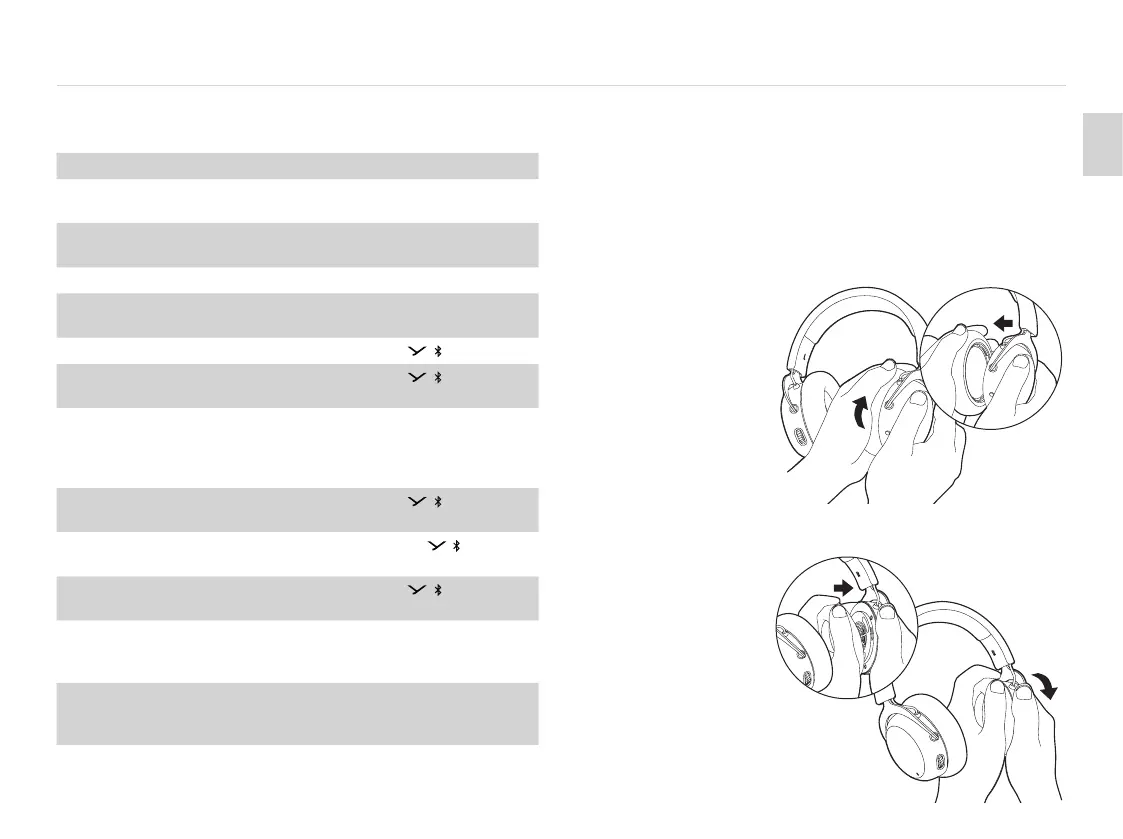
REPLACING THE EAR PADS
� To remove the ear pad, gently turn it counter-clockwise
and pull it o.
� To attach the new ear pad, place it onto the orange
housing and gently turn it clockwise until it sits tight.
� Turn counter-clockwise
and pull o.
� Replace ear pad and
turn clockwise.


 To Next Page