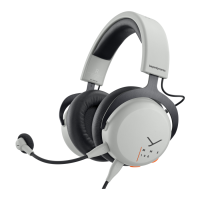
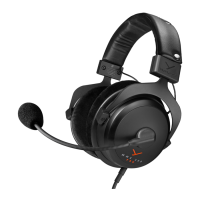
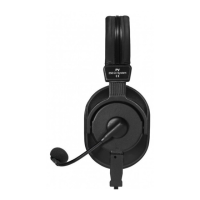
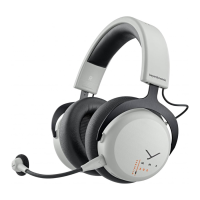
6 MMX 200 wireless Gaming Headset
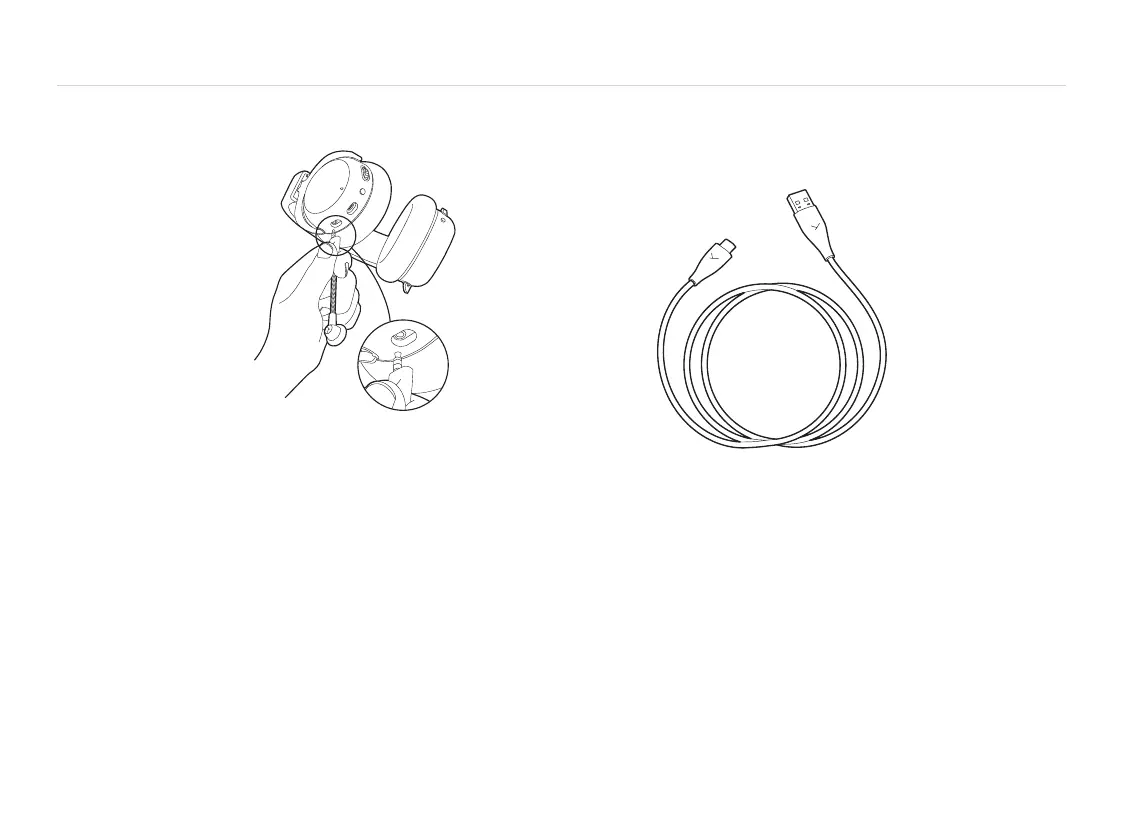
CONNECT THE MICROPHONE
� When connecting the
microphone, please
observe the position
of the jack.
� If the microphone
is removed from
the headset, the
microphones built
into the ear cups
are automatically
activated.
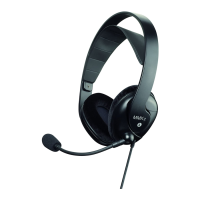
CONNECT THE USB CABLE
� When connecting the provided USB-C to USB-A cable, the
USB-C is connected to the headset, while the USB-A is
connected to the device (e.g. computer / console).
� For devices with USB-C pos, please use a third pay
USB-A to USB-C adapter or cable.
� Once the headset is connected, it will automatically
inall the driver. This may take a few seconds.
� Please check your syem audio settings and select the
MMX 200 wireless as input and output device, if it‘s not
already selected.
Connect to device
Connect to
headset


 To Next Page