english
39
2.3 Setting up
1. When the microphone is switched on, the battery status indicator will flash for a
moment.
2. As soon as an audio signal is transmitted, the AF meter on the receiver will display a
signal.
3. When you do not use the microphone, make sure it is switched off. If you do not use the
microphone for several weeks or months, please remove the battery as it can leak after
some time and damage parts of the transmitter.
4. The LED will not illuminate, when the frequency is transmitted via the ACT function
to the transmitter. If the indicator will flash, transmitter and receiver do not operate
with the same frequency. Make sure that transmitter and receiver operate with the same
frequency (refer to type plate).
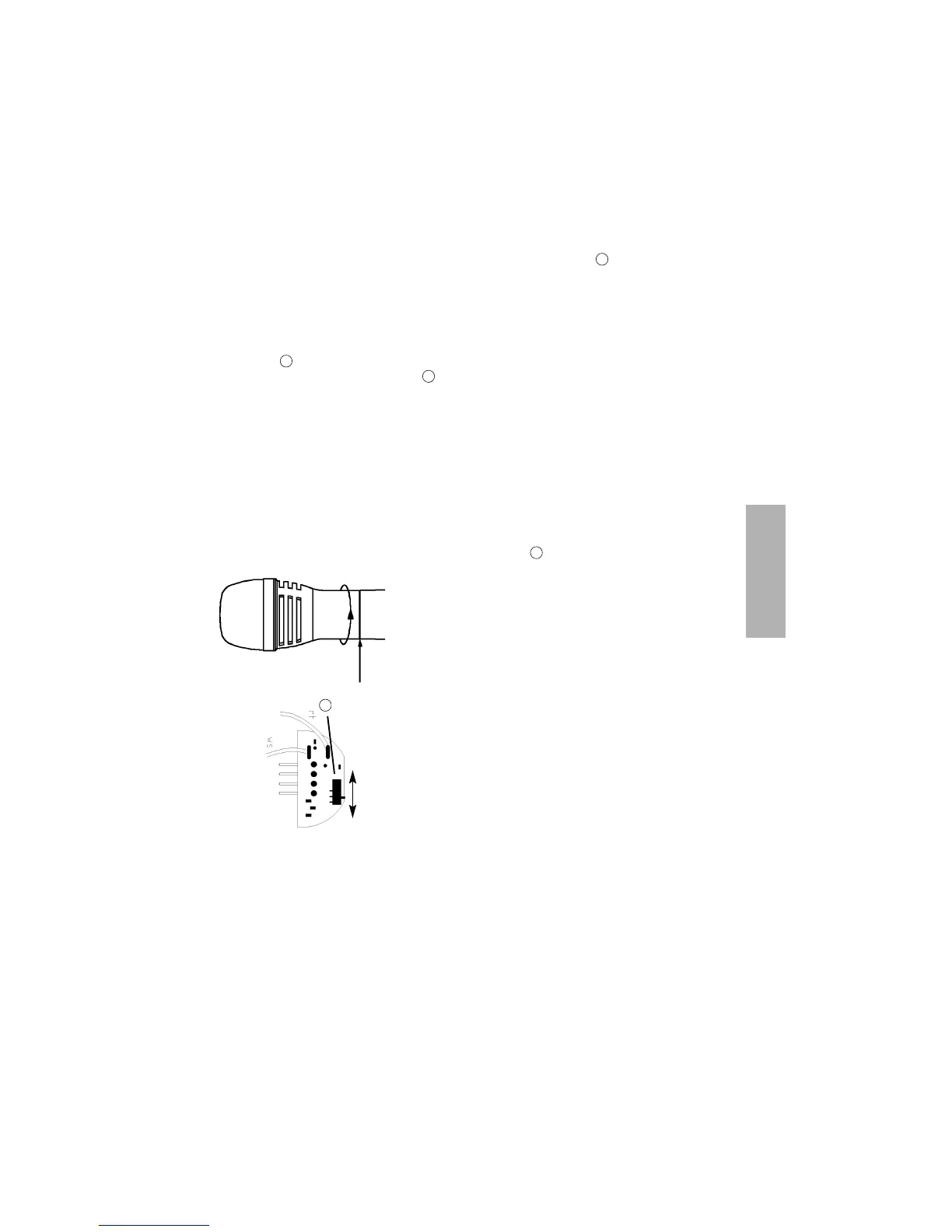
2.4 How to adjust the Sensitivity
0 dB -10 dB
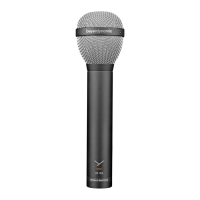
SDM 369 Handheld Transmitter
• The sensitivity switch is below the microphone head.
To adjust the sensitivity unscrew the complete micro-
phone head with the upper shaft as indicated by the
arrows.
• When removing this part of the microphone take care
to ensure that no connecting cable (red and white) is
damaged or disconnected. When replacing the micro-
phone head, make sure that the cables are not trapped.
• Factory adjustment: high sensitivity (0 dB).
2
2
2
8
8



 To Next Page