48
1.4.5 Squelch
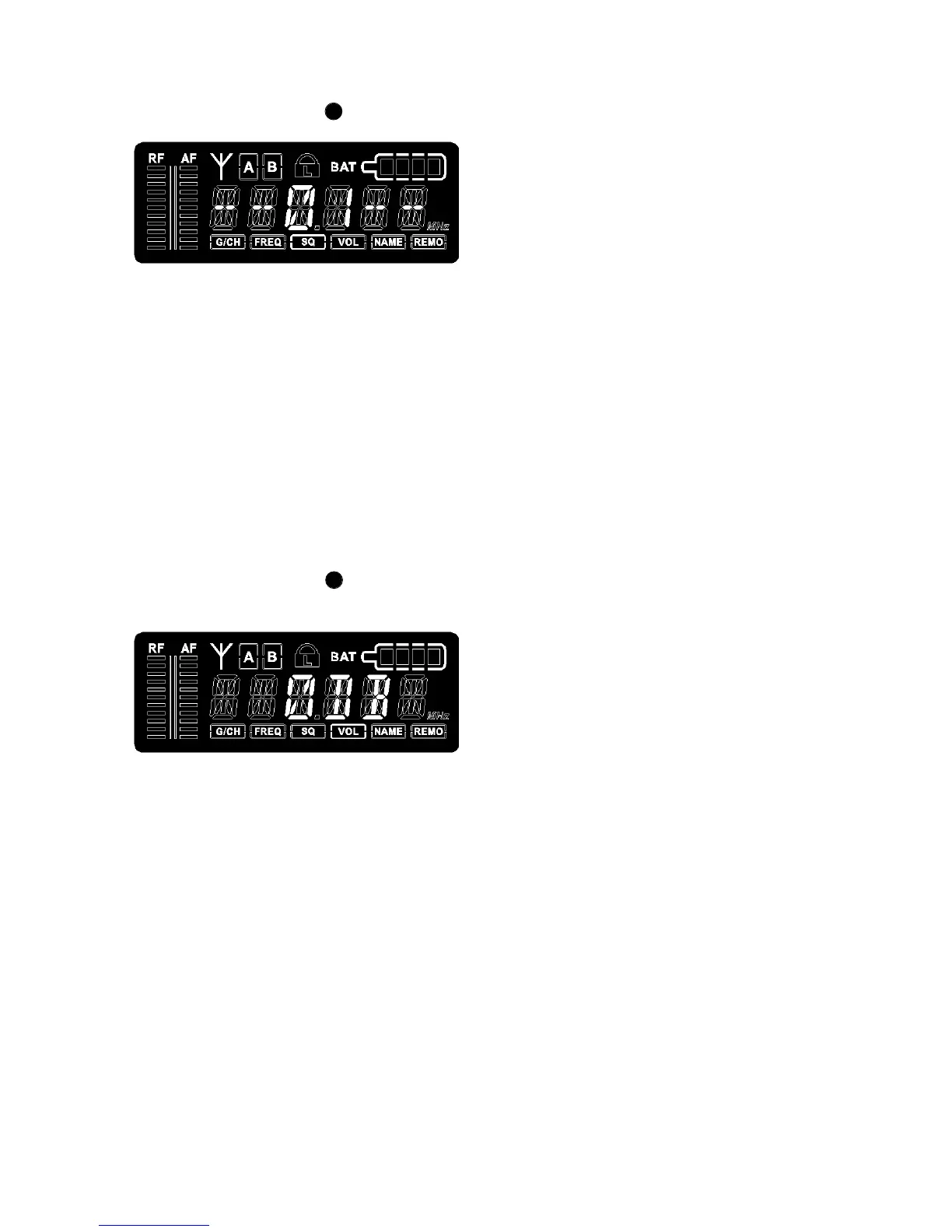
• Turn the menu control to select “SQ”. The currently selected squelch is displayed.
• To change the squelch level, press the menu control. The squelch level will start to flash.
Turn the menu control to select the desired squelch level between 1 and 99. In order to
confirm the selected squelch level, press the menu control.
1.4.6 Output Level / Mute
• Turn the menu control to select “VOL”. Now you can check the output level or if the
receiver is muted.
• To change the setting, press the menu control. The current setting will start to flash.
• Turn the menu control to mute the receiver or to set the output level according to the
transmitter gain (0 dB, -10 dB, -20 dB, -30 dB).
• Press the menu control to confirm the setting.
7
7



 To Next Page