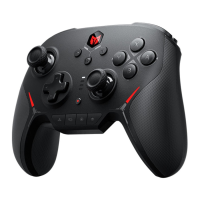
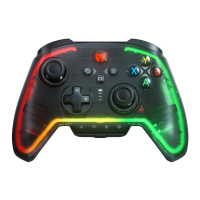
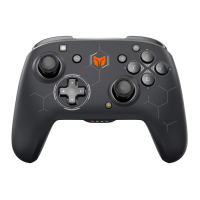
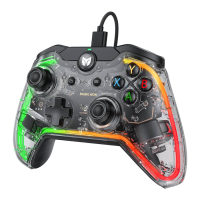
The vibration motor can be turned on and off by pressing FN + →.
●PC Tool: The shortcut settings only control the vibration on and off. After downloading the PC Tool, you can also
adjust the start/maximum intensity of the vibration by using it.
VIBRATION CONTROL
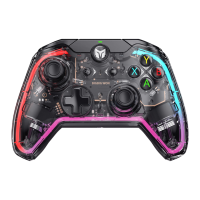
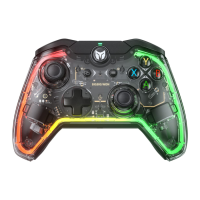
When the power level is too low, the light bands on both sides of the controller will be forced to go out, and the
configuration light will flash 10 times in red at a frequency of 2 times per second, once every five minutes.
After connecting to the power supply, the light bands on both sides of the controller will light up, and the channel
indicator will light up in cyclic progression, which means it is being charged. When the battery is fully charged, the
charging light effect goes off and the channel indicator returns to its original state.
BATTERY
If the controller is misconfigured or functions abnormally, you can try to reset the controller to recover, the operation
is as follows:
Long press the HOME button for 10s until the controller vibrates, which means the controller is finished resetting.
RESET


 To Next Page