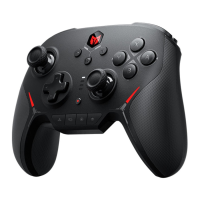
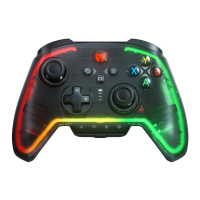
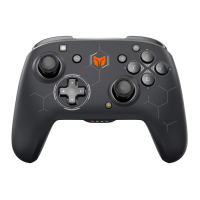
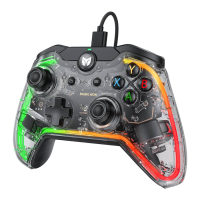
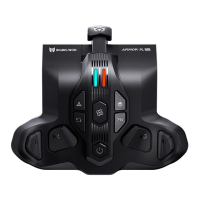
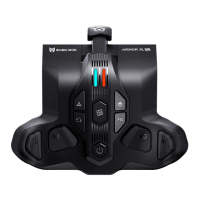
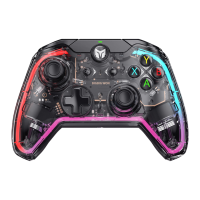
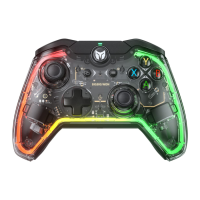
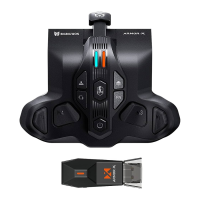
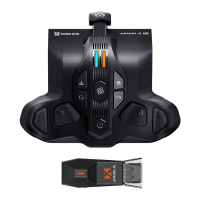
This controller supports setting turbo, and the supported buttons include A/B/X/Y、↑/↓/←/→、LT/RT/LB/RB、M1/
M2/M3/M4 a total of sixteen buttons, and the settings are as follows:
Setting Turbos: Press and hold Turbo button + "button to be set", the FN indicator will flash twice, which means it is
turned on successfully.
● When the turbo is triggered, the FN indicator will flash according to the turbo frequency.
Clear Single Turbo: Press and hold the "button to cancel turbo", double click the Turbo button, the FN indicator light
will flash twice, it means the turbo setting of this button has been cleared.
Clear All Turbo: Double click the turbo button , the FN indicator blinks twice to indicate that the turbo settings for all
buttons have been cleared.
Turbo Frequency: Press and hold FN + ← to cycle between 5/s, 10/s and 20/s, default is 5/s.
● PC Tool: After downloading the PC Tool, you can set the turbo setting for all buttons of the controller.
TURBO
The controller supports recording macros, each set of macros must be bound to an additional button (M1/M2
/M3/M4) as a trigger; the buttons supported for recording are A/B/X/Y, ↑/↓/←/→, LB/RB/LT/RT, LS/RS, and
the eight directions of the joystick. The settings are as follows:
1. Press and hold the Macro button + (M1/M2/M3/M4) for 3 seconds, the FN indicator will enter the breathing
mode, which means the controller is ready to record macro.
2. Press any controller button to start recording, click the Macro button when recording is complete, and the
FN indicator will flash twice to end the recording.
MACRO RECORDING


 To Next Page