www.bigstone-nj.com
Address:NO.38 Ningliu Road, Pukou District, Nanjing City, China
Tel:025-89618445
Fax:025 – 58849541
Email: bigstone.ebike@gmail.com
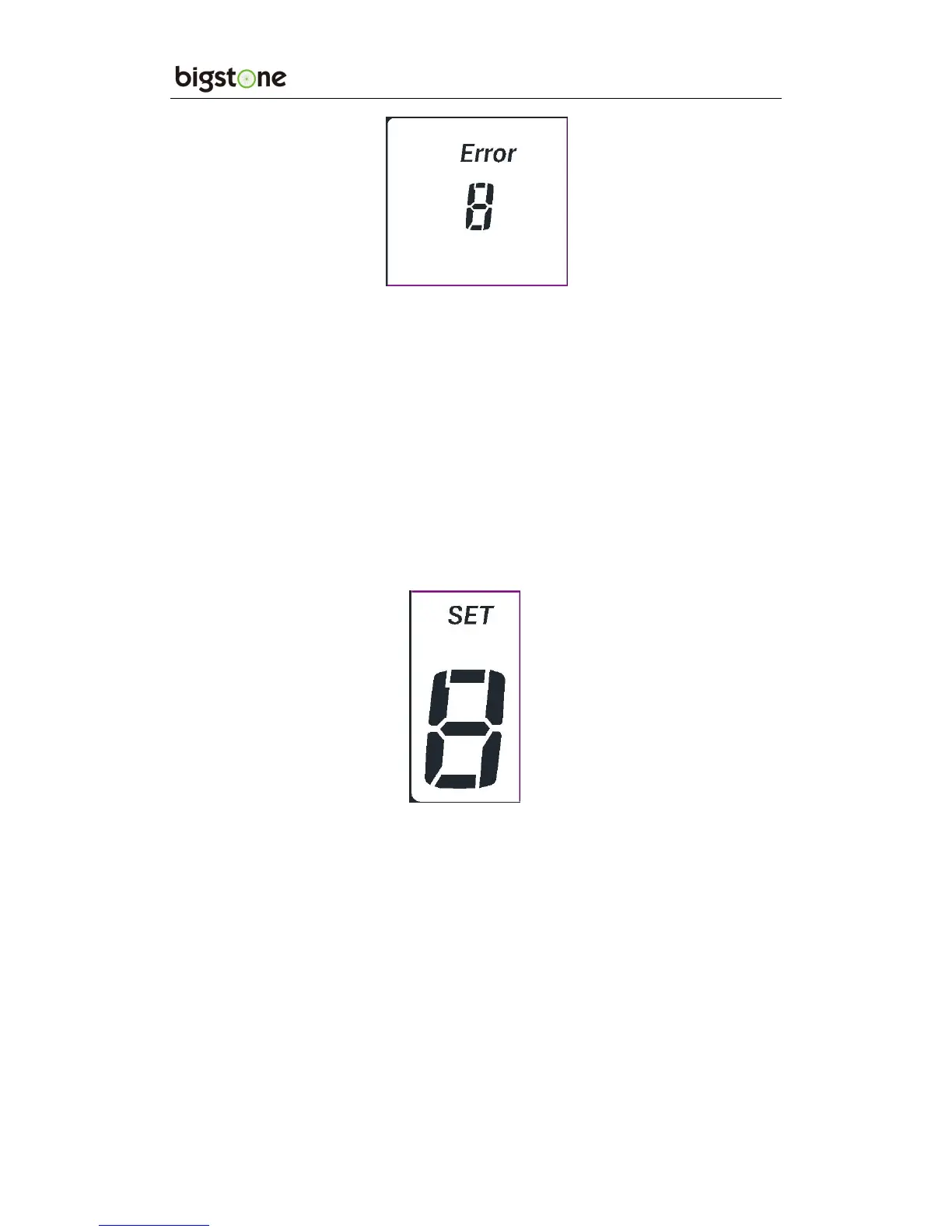
※ Display return to normal only after problem being fixed and
e-bike will not run before fixing the problem.
10. SET OPERATION
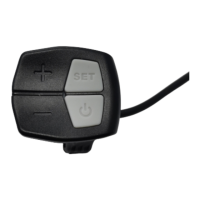
Hold the SET for 2 seconds and enter into the setting interface, then
Number 8 is lighting, the display will flash at 1 HZ. Click the SET
to cycle from 0 to 4 setting interface, press UP or DOWN to select
the wanted parameter, and hold the SET for 1 second to exit.
、 10.1SET0 : Riding mode selection
There are three modes for selected: POWER、NORMAL、ECO.
、 10.2SET1: Reset trip 1
Click the DOWN and reset the trip 1, then the TRIP1 icon will flash
at 1 HZ, meanwhile the mileage will be cleared.


 To Next Page