www.bigstone-nj.com
Address:NO.38 Ningliu Road, Pukou District, Nanjing City, China
Tel:025-89618445
Fax:025 – 58849541
Email: bigstone.ebike@gmail.com
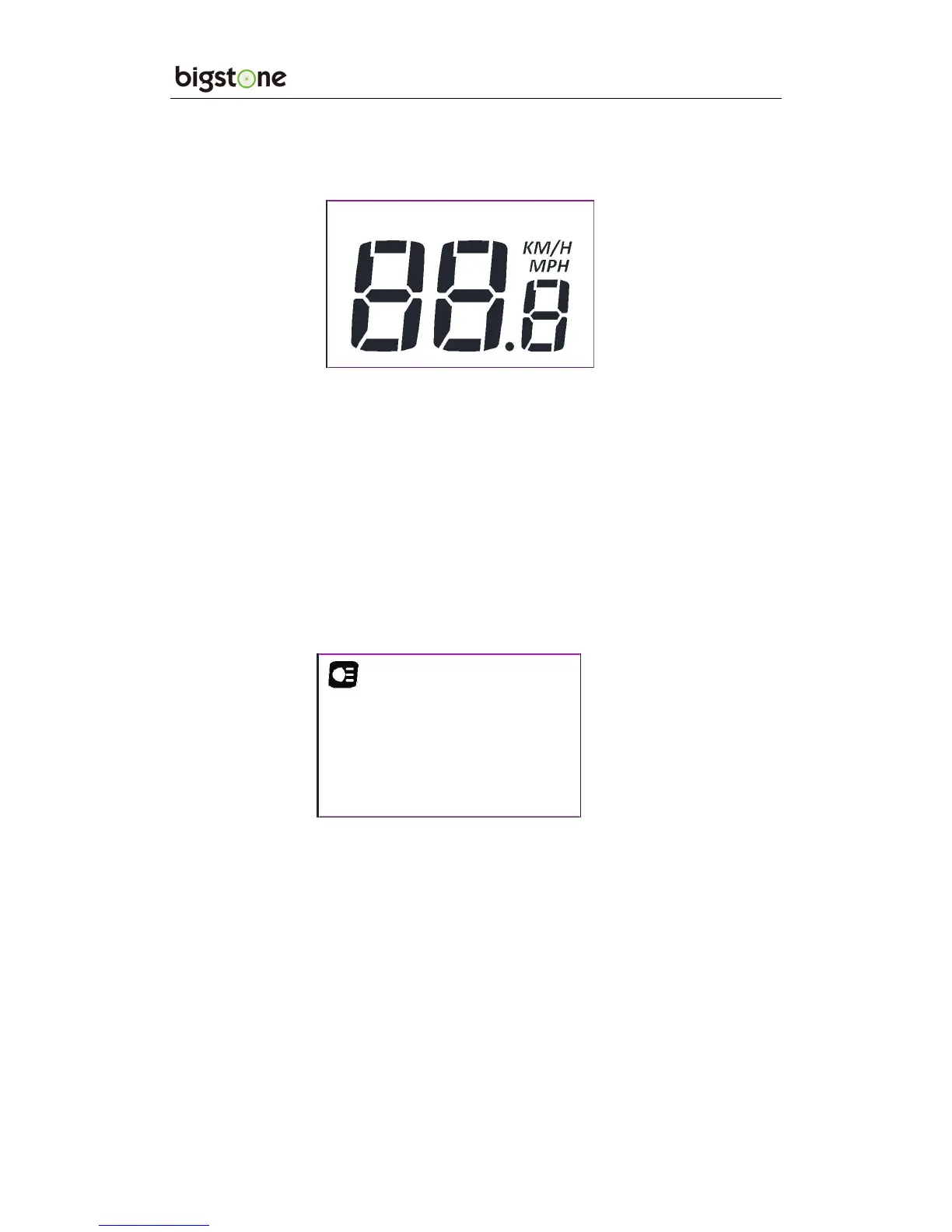
4. SPEED DISPLAY
The speed is as below, and user can select KM/H or MPH in SET4.
5. KM/H & MPH
Select KM/H or MPH for the speed and mileage, display will be the
currently selected units display.
6. BACKLIGHT INDICATOR
With the power on, click the ON/OFF and turn on the backlight.
Click it again and turn off the backlight.
※ If the e-bike has headlight, the controller will turn on/off the headlight
at the same time of the backlight on/off (without this function by default).
7. 6KM/H WORK
Hold the DOWN for 2 seconds to get into 6km PAS work, and with
your hand off, the 6km PAS work is released. The display is as
below.


 To Next Page