www.bigstone-nj.com
Address:NO.38 Ningliu Road, Pukou District, Nanjing City, China
Tel:025-89618445
Fax:025 – 58849541
Email: bigstone.ebike@gmail.com
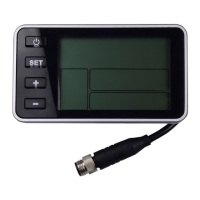
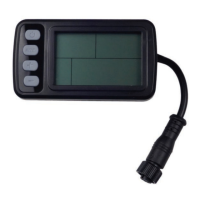
Hold ON/OFF and start the display. The display will provide power
for the controller. Hold ON/OFF again to open the backlight. With
display on, press ON/OFF for 3 seconds to turn off the power. With the
display off, there is no battery consumption. The leakage current is no
more than 2µA.
※ The panel will go to sleep when the speed is 0 km/h for 5 minutes.
2. CURRENT DISPLAY
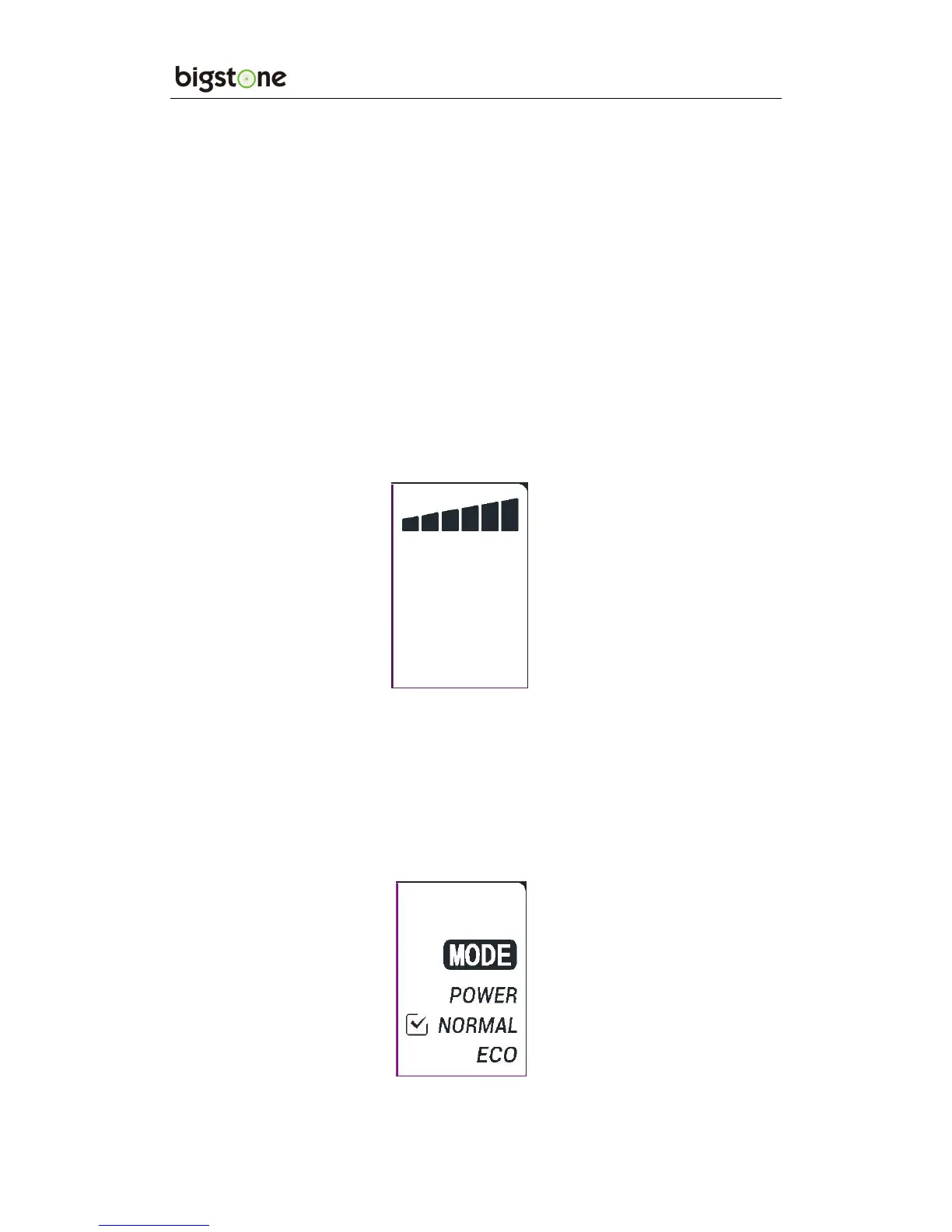
That represents the discharging current of the controller currently, each
mark is 2A, six segments is >=12A.
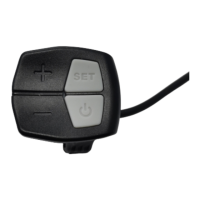
3. RIDING MODE SELECTION
There are three modes for riding with arrow selection, including
POWER,NORMAL and ECO. The default option is NORMAL. The
default option is NORMAL.


 To Next Page