8. Advanced setting function
* Warning
The advanced setting function is based on specific protocol content, allowing the
modification and setting of controller and system parameters. This feature suggests
professional operation, such as manufacturers, distributer, and other objects with
professional technical ability. Allows necessary system debugging and maintenance
through advanced setting functions. If there is improper parameter setting or other
setting problems, the system will not work properly, or even other failure problems.
Advanced setting function operation
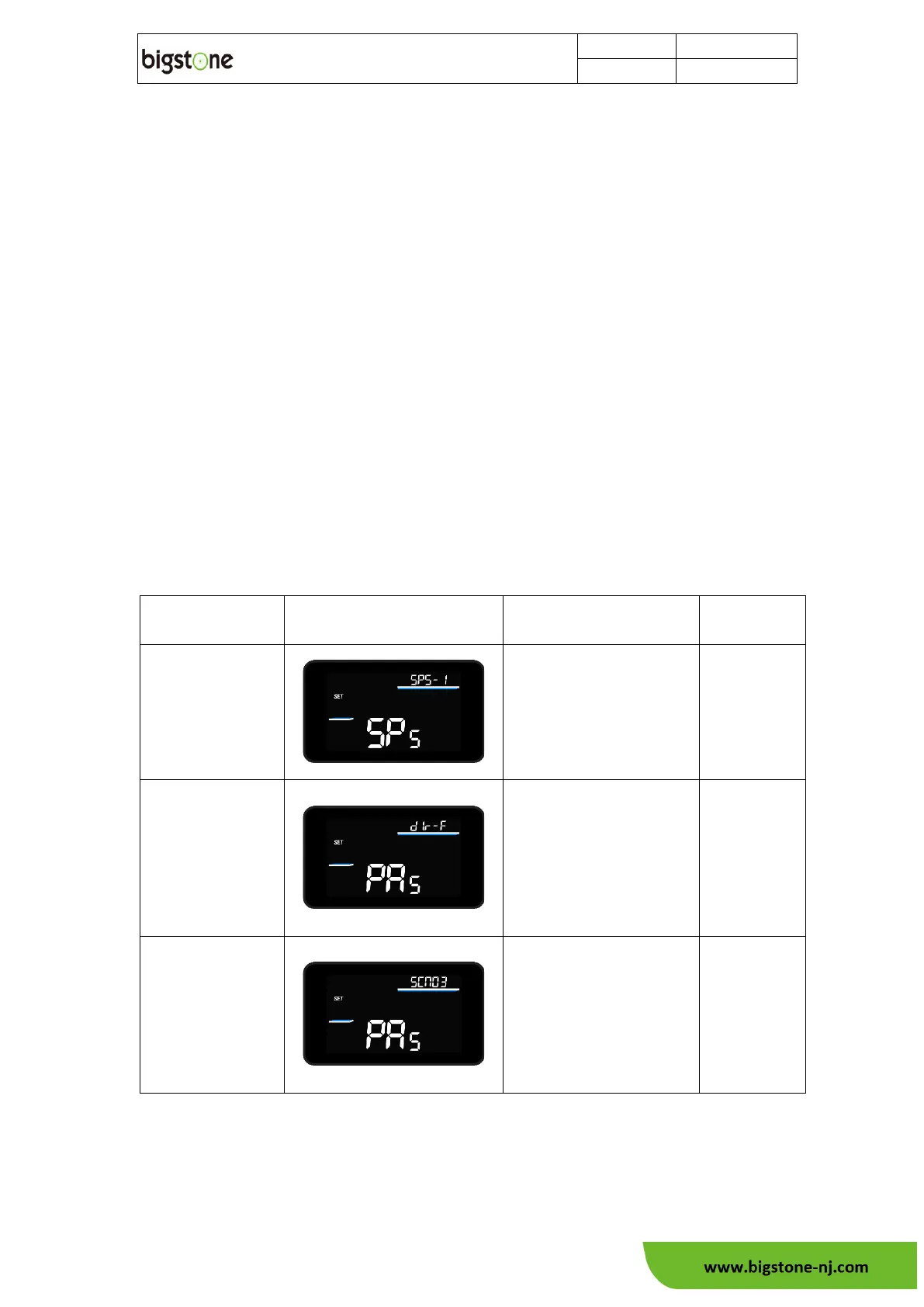
In the basic setting screen, hold "SET" and "-" button together to enter the
advanced setting function interface, and hold the "SET" button in the advanced settings
status to return to the basic function (the setting interface 60s no button operation, the
screen automatically returns to the basic function status), and the description of each
function parameter is as follows:



 To Next Page