7. Basis settings
The D400 provides specific parameter setting functions. The following is the
complete parameter setting and information reading function description by
default.
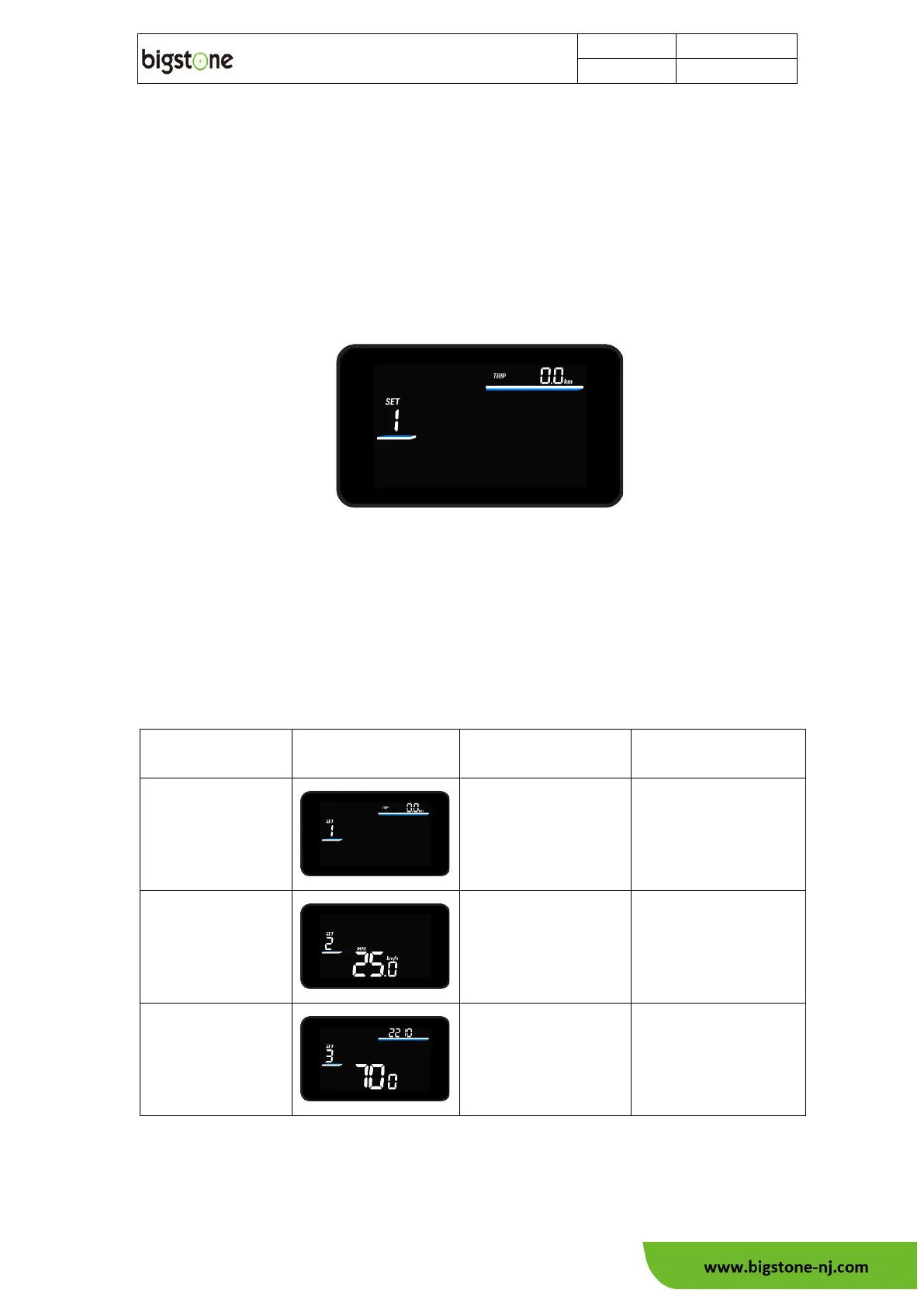
After starting, in the basic function display, Hold“SET” button, can enter the
setting screen, as shown in the figure:
Press down "SET" button to select the setting items. Press the "+" or "-"
keys to modify the parameter values of the setting items; Under the setting status,
press and hold the "SET" button again to return to the basic function display
screen (the setting status is operated without keys in 60s, and the screen
automatically returns to the basic display screen).
The parameters of each setting item are described as follows:



 To Next Page