6. Operation
6.1 Turn on/off
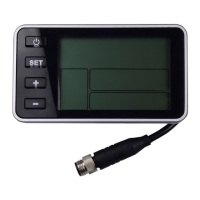
press down the button at power off status. System will be power on and
show all contents on screen about 2 seconds then display wheel size information.
Enter into basic function screen at end. In power on status, Hold button ,
system will be power off. If the user have no any operation within the set turn-off
time, and the speed is 0, the system will automatically power off within the set
turn-off time, and the turn-off time can be customized by the user in the advanced
setting.
6.2 Assistant level adjudgment(PAS)
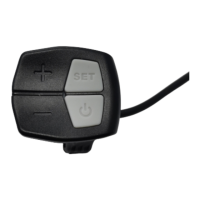
In power on status, the press down “+” or “-” button can adjust the
assistant level, and the adjustable range is 0-5.
Press down “+” button to increase PAS value, press down “-” button
to decrease PAS value.
6.3 Display information switch
Press down the "SET" button to switch the display information under
the basic function screen. Displays TRIP and ODO as following:



 To Next Page