6.4 Front light on/off
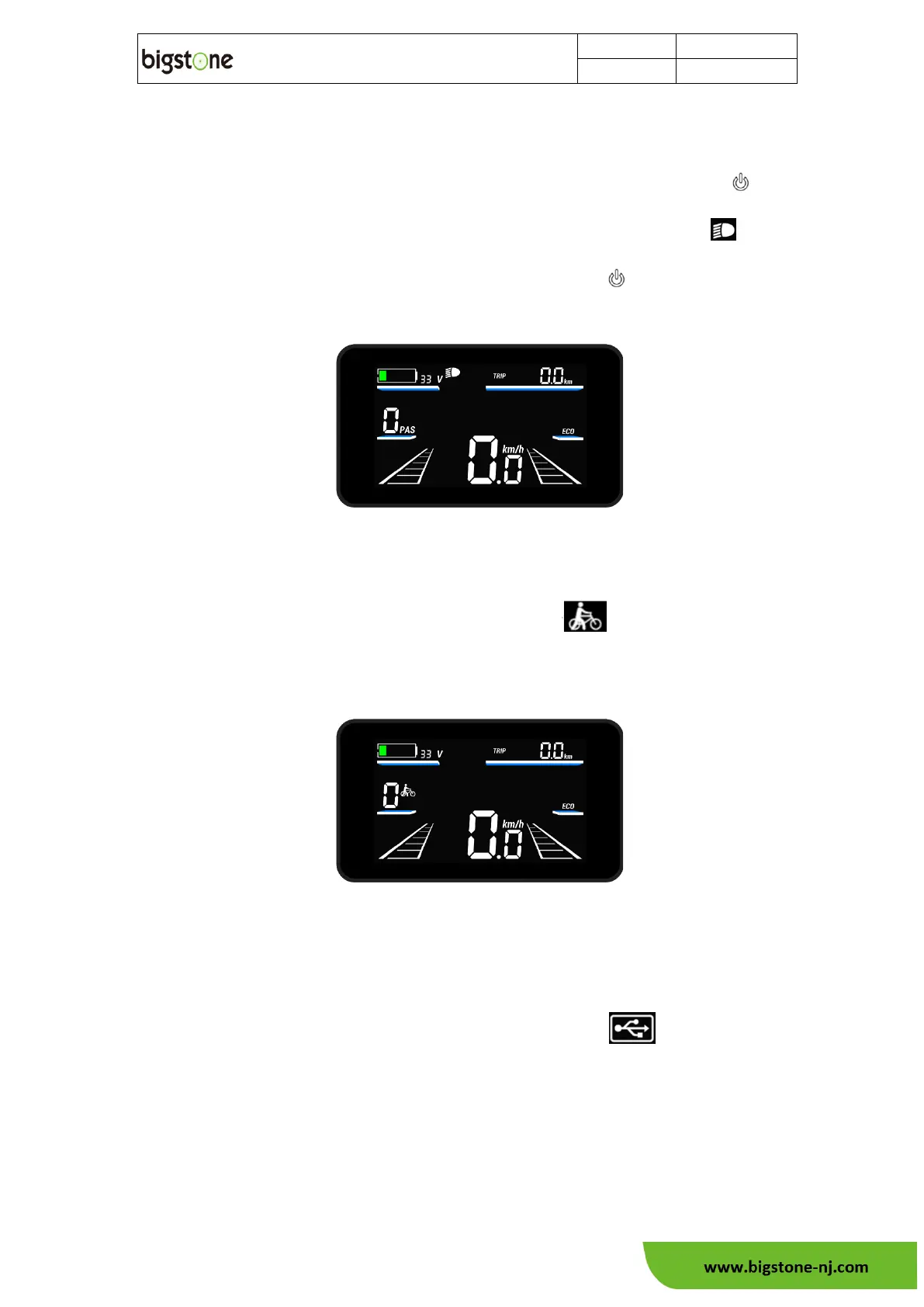
In power on status, On the basic function display screen, press down
button. The front light can be turned on. At the same time, the light icon will
be indicated, At the light on status, and press down button again turns off the
front light.
6.5 Walk assist mode
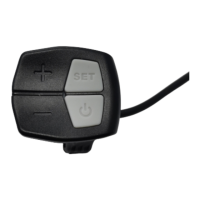
Under the basic function screen, Hold the "-" button to startup walk-
assistant function. The screen shows the assist icon .After releasing the "-"
button or operating any other button, the walk assist is released, the screen returns
to basic display. The walk assistance display is as follows:
6.6 USB function(Option)
Under the basic function screen, Hold the "SET" and "+" buttons together to turn
on the USB charge function, the screen displays the USB icon , hold the "SET"
and "+" buttons again to turn off the USB charge function. If the USB voltage is normal
and displayed normally, if the voltage is less than 2V or greater than 5.8V, the USB
function is considered abnormal, the icon flashes at 1Hz, and the USB output is turned
off at the same time.



 To Next Page