8
2.4 Connecting the Access Point
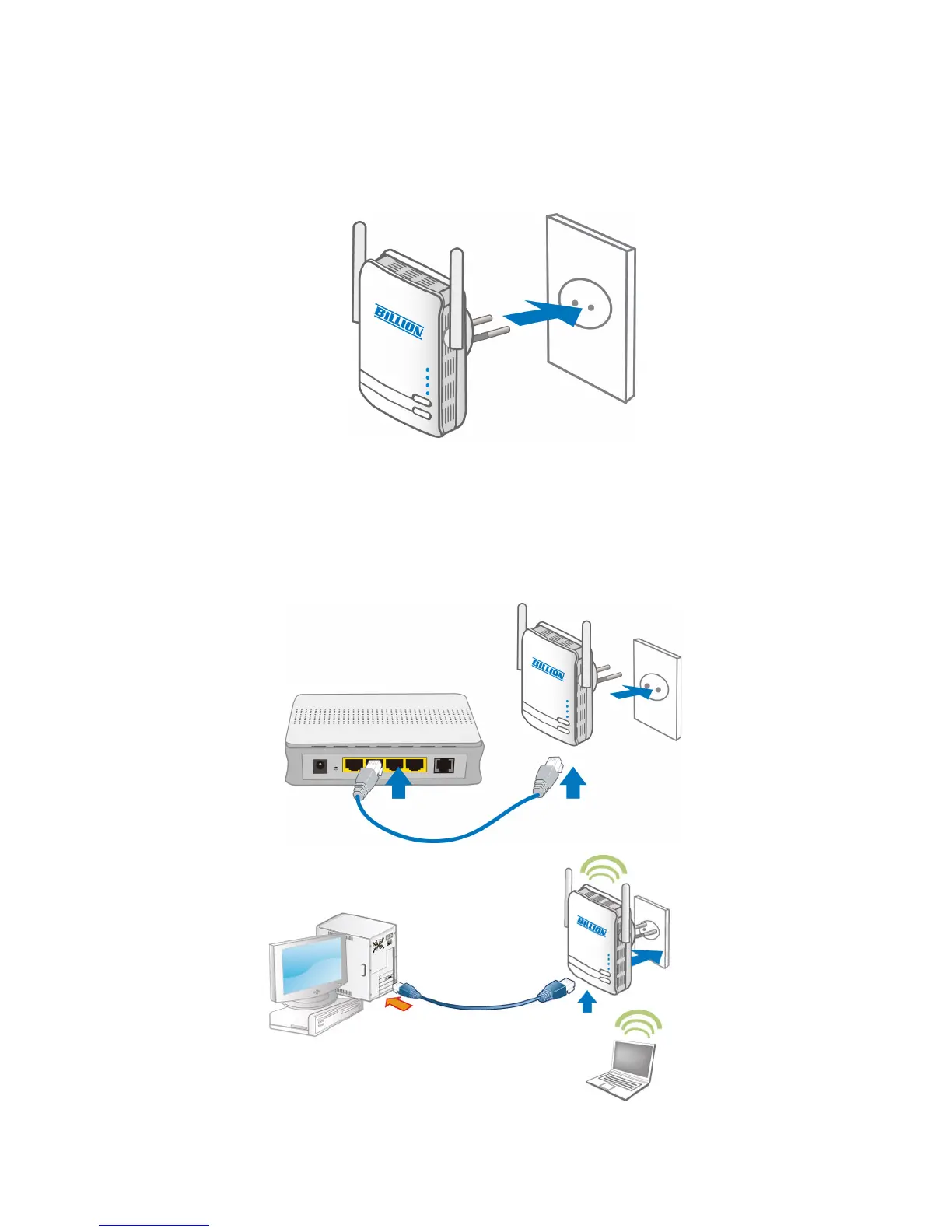
It is easy to connect BiPAC 3100SN simply by performing the following instructions:
2.4.1 Power Connection
Plug BiPAC 3100SN into the wall outlet/socket.
2.4.2 LAN & Wireless Connection
Connect the supplied RJ-45 Ethernet cable to the Ethernet port on BiPAC 3100SN and the other
side to the device’s Ethernet interface.
You can enable wireless function to connect to the Wi-Fi devices through WPS conguration
interface or by pushing the WPS button of your 3100SN.
Note: For WPS conguration please refer to Wi-Fi Protected Setup section for more detail
description.


 To Next Page