42
4.4.4 Restart
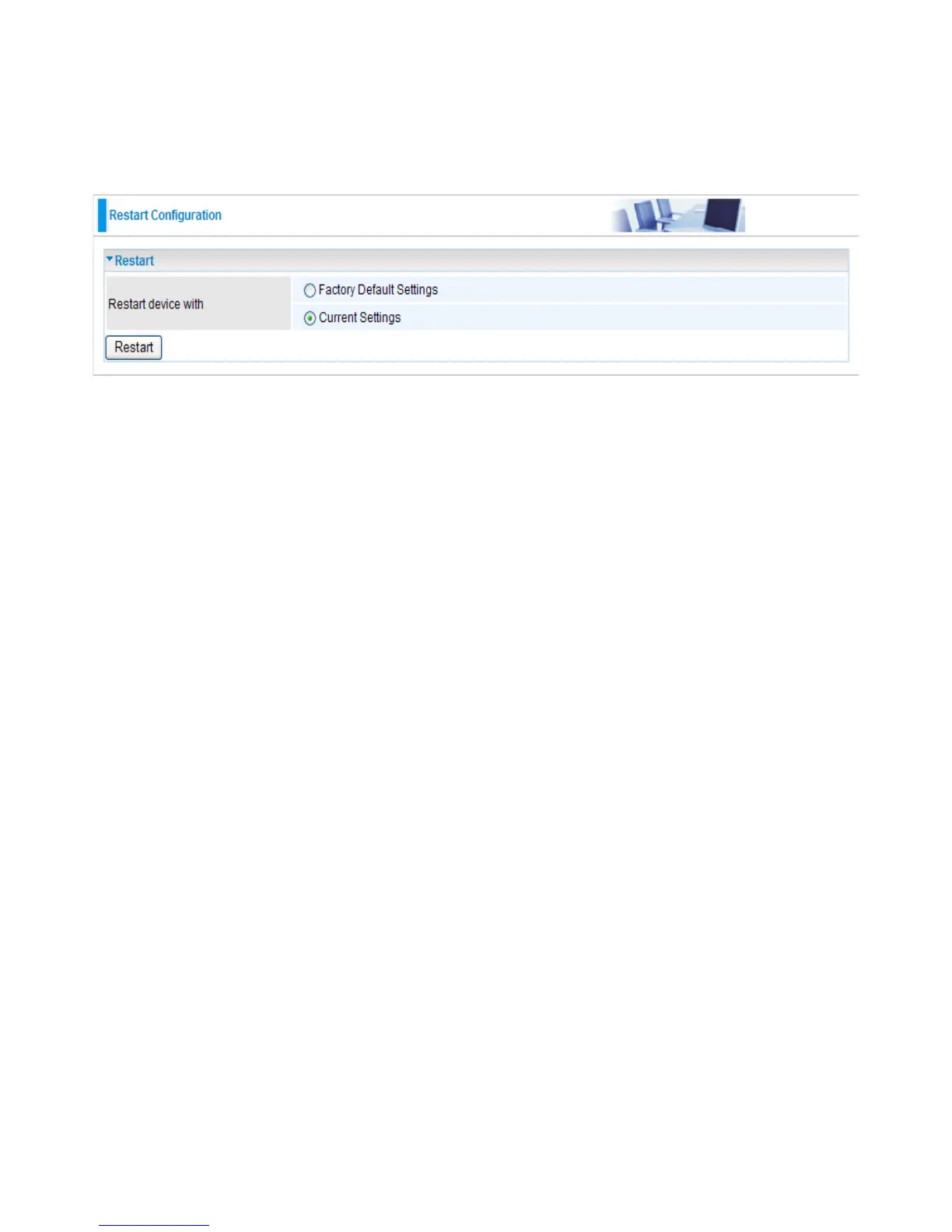
These functions allow you to restart the device to factory default setting after you have
accidentally changed your settings that may result in undesirable outcome.
Restart
● Restart device with Factory Default Settings or Current Settings to determine how the AP will
restart. Click the Restart button to restart your device. The system will automatically reload Status
page after reboot complete
● You may also reset your device to factory settings by holding the small Reset pinhole
button for more than 2 seconds until the WLAN LED blinking and then release it.
Note: Do NOT perform any actions while the device is being restarted.


 To Next Page