40
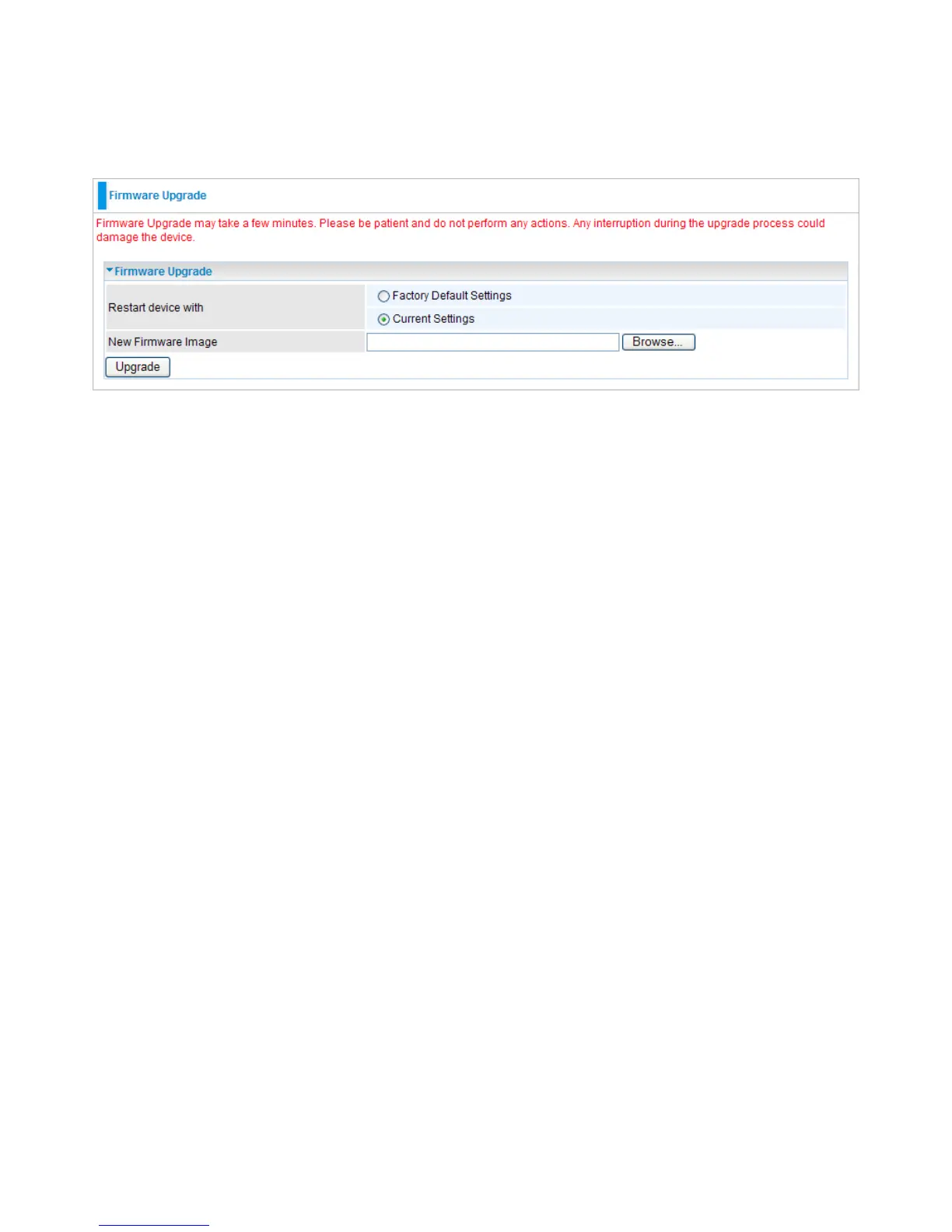
4.4.2 Firmware Upgrade
Upgrading the newly improved version of the rmware allows you to use newly integrated
features.
Firmware Upgrade
● Location: Click Browse to select the new rmware image le you have downloaded to your PC.
Once the correct le is selected, click Apply to update the rmware of your device.
Note: DO NOT perform any actions while the rmware is being upgraded.
● The system will automatically reboot once the upgrade is complete. You will be returned to the
Status page.


 To Next Page