74 GENERAL INFORMATION
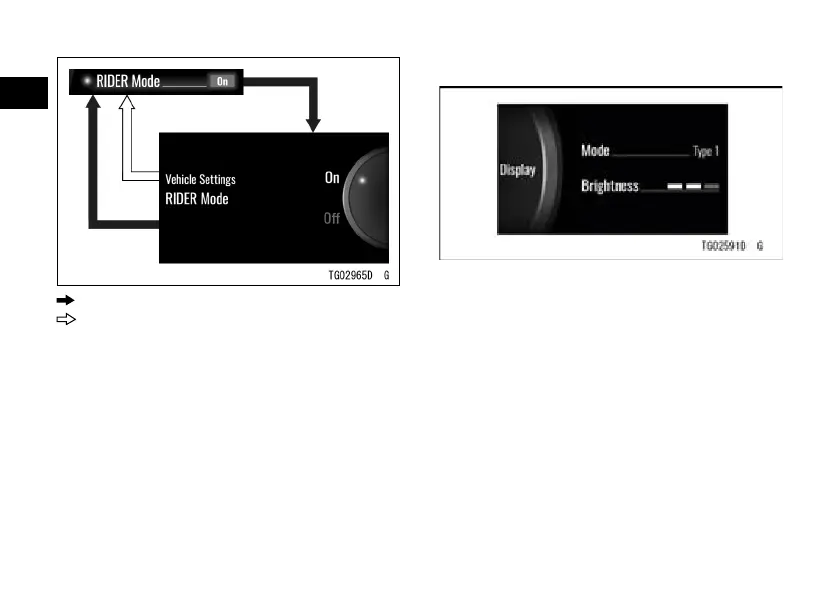
: Flow when pushing SELECT button
: Flow when pushing RESET button
NOTE
æ Refer to the Integrated Riding Mode
section in the HOW TO RIDE THE
MOTORCYCLE chapter for details of
the RIDER mode.
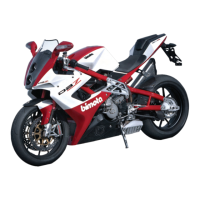
Display
Mode: Switch layout of LCD
Brightness: Adjust backlight of LCD
Enter the menu mode.
ÿ Highlight “Display” using the upper
or lower MODE button.
ÿ Push the SELECT button to shift to
the next screen.


 To Next Page