To bar certain types of call
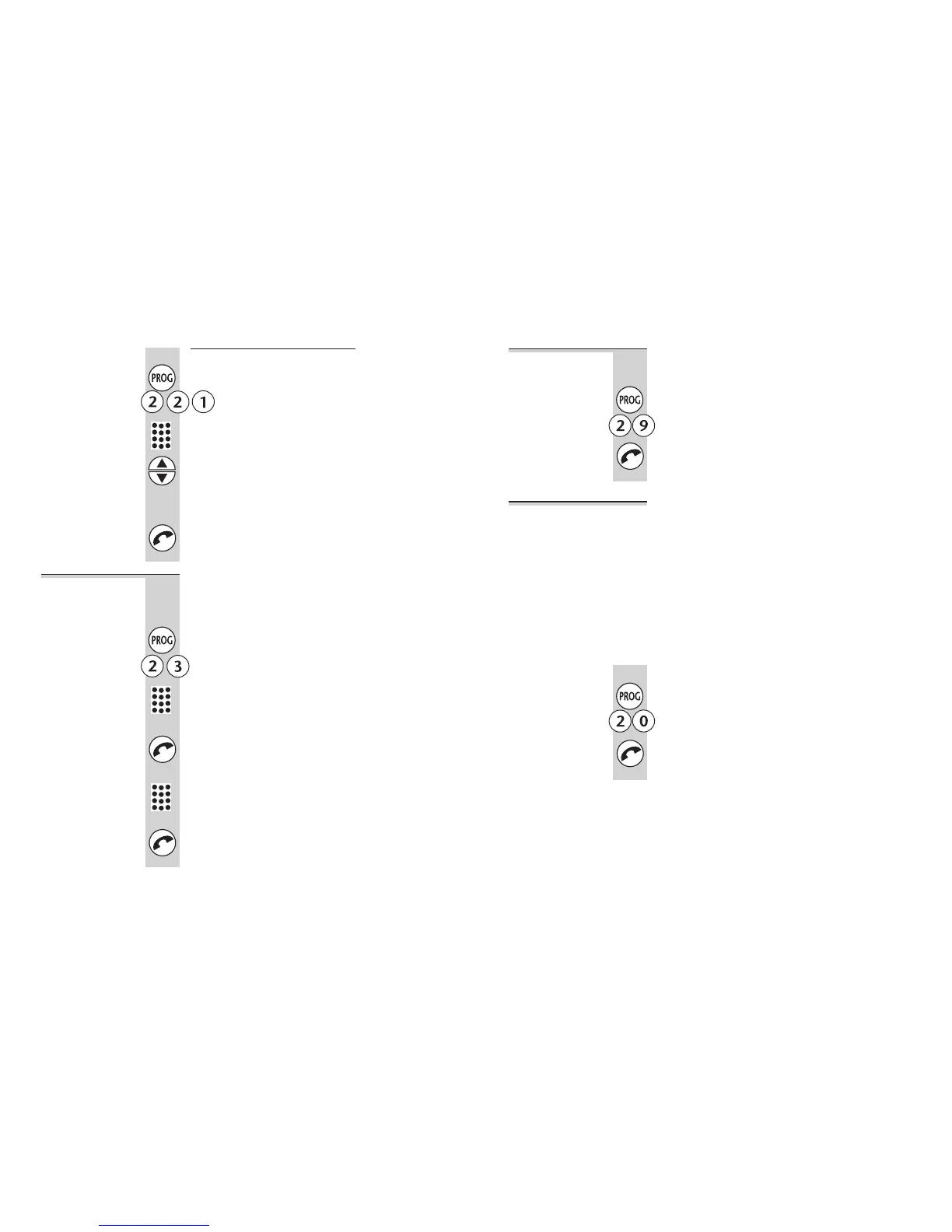
1 Press the PROG button then 2 2 1
2 Key in the handset number (1 to 6)
3 Use the ▲ or ▼ button to set:
0 no outside calls (intercom calls only)
1 no international calls
2 all calls allowed
4 Press the PHONE button to confirm
Date and time You need to set the date and time if they are to
be shown correctly on the handsets’ displays
and stored with Caller Display records.
1 Press the PROG button then 2 3
2 Key in the date as a six-digit number
…for example, 131002 for 13 October 2002,
020303 for 2 March 2003.
3 Press the PHONE button to confirm
4 Key in the time as a four-digit number
…for example, 0830 for 8:30 am, 1406 for
2:06 pm.
5 Press the PHONE button to confirm
Customising your base unit
30
To clear all
Caller Display
memories
This is a way of clearing all stored numbers
from the Caller Display memories.
1 Press the PROG button then 2 9
2 Press the PHONE button to confirm
To reset the
base unit
When you reset the base unit, you return all its settings
to their defaults, as follows:
■
ringer volume 7
■
ringer melody 4
■ key tone on
■ base unit PIN 0000
■
call barring none
■ Caller Display memories empty
■
Indirect Network codes none (see page 32)
1 Press the PROG button then 2 0
2 Press the PHONE button to confirm
Customising your base unit
Binatone Help Line: 01325 304 473 31












 To Next Page