EasyManua.ls Logo

Binatone iDECT V2i System - User Manual

Binatone iDECT V2i System
63 pages
Print Icon
To Next Page IconTo Next Page
Loading...
U
SER
G
UIDE
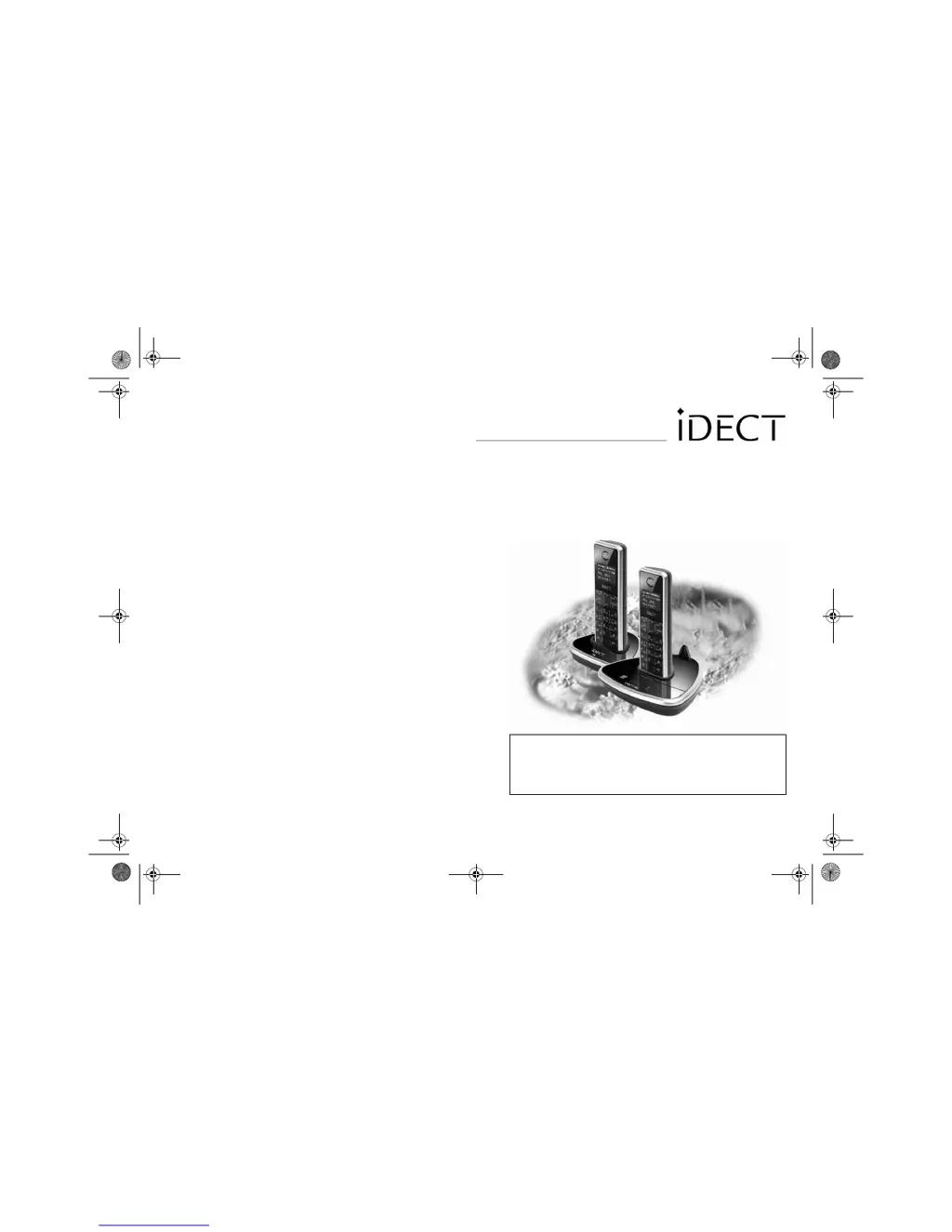
iDECT V2i System
DIGITAL CORDLESS
TELEPHONE & ANSWERING MACHINE
Before operating this set,
please read these instructions carefully.
THIS EQUIPMENT IS NOT DESIGNED FOR MAKING
EMERGENCY TELEPHONE CALLS WHEN THE POWER
FAILS. ALTERNATIVE ARRANGEMENTS SHOULD BE
MADE FOR ACCESS TO DIAL EMERGENCY SERVICES.
Ver. 4, Feb 08 (BTP)
iDect_V2i_IFU_master.book Page 1 Thursday, March 27, 2008 2:54 PM

Table of Contents

Questions and Answers

Summary

iDECT V2 i User Guide

Emergency Call Disclaimer

Important warning that the equipment is not designed for emergency calls during power failure.

Initial Setup and Important Information

Emergency Calls Policy

Details on the limitations of emergency calling and alternative arrangements.

Understanding Your Handset Controls

Key Button Functions Explained

Description of the primary buttons and their functions on the handset.

Interpreting the Display Symbols

Guide to Display Icons and Meanings

Explanation of various symbols shown on the handset display for status and notifications.

Getting Started: Installation Overview

Essential Preliminary Notes

Important information and advice to read before installing the telephone.

Installation and Set-up Procedures

Step-by-step instructions for setting up the iDECT V2i system.

Pre-Installation Safety and Interference

Electrical Safety Guidelines

Crucial safety measures to prevent injury and damage from electrical equipment.

Making and Answering Calls

Phonebook Management Basics

Using the Phonebook

Storing New Phonebook Entries

Guide to adding new names and numbers to the phonebook, including character input.

Caller Display Feature

Understanding Caller Display Records

Examples and explanations of the information provided by the Caller Display service.

Caller Display Functions

Multi-Handset System Features

Answering Machine Setup

Answering Machine Modes Configuration

Explanation and selection of answering modes: Answer Only and Answ. & Rec.

Answering Machine Configuration

Call Screening Functionality

Answering Machine Operation

Turning the Answering Machine On or Off

Procedure to activate or deactivate the answering machine function.

Message Playback Procedures

Playing Recorded Messages

How to listen to stored messages via the loudspeaker or handset earpiece.

Remote Operation Setup

Activating Remote Control Function

Steps to enable the remote operation feature for checking messages.

Remote Message Access

Playing Messages Remotely from Another Phone

Instructions for accessing and managing answering machine messages from an external phone.

Customizing Your Phone Settings

Master PIN Management

Changing the Master PIN

Procedure to set a new master PIN for security and customization of settings.

Resetting to Factory Defaults

Resetting All Settings to Defaults

Instructions to restore the iDECT V2i to its original factory default settings.

Troubleshooting Guide

Initial Troubleshooting Checks

Basic steps to diagnose and resolve common issues with the iDECT V2i.

Troubleshooting Call Issues

Resolving Call Making and Keypad Problems

Solutions for issues like inability to make calls or unresponsive keys.

Troubleshooting Call Quality and Features

Call Cut-off and Busy Tone Resolution

Solutions for dropped calls, busy signals, and multi-handset call issues.

Troubleshooting Batteries and PBX

Battery and Recall Function Issues

Solutions for battery warnings and problems with the recall function.

Troubleshooting Advanced Issues

PBX Dialling and Line Faults

Resolving PBX dialling issues and identifying potential line faults.

Guarantee and Service Information

Registering New Handsets

Registering a New Handset to Base Unit

Instructions for adding additional handsets to the iDECT V2i base unit.

Summary

iDECT V2 i User Guide

Emergency Call Disclaimer

Important warning that the equipment is not designed for emergency calls during power failure.

Initial Setup and Important Information

Emergency Calls Policy

Details on the limitations of emergency calling and alternative arrangements.

Understanding Your Handset Controls

Key Button Functions Explained

Description of the primary buttons and their functions on the handset.

Interpreting the Display Symbols

Guide to Display Icons and Meanings

Explanation of various symbols shown on the handset display for status and notifications.

Getting Started: Installation Overview

Essential Preliminary Notes

Important information and advice to read before installing the telephone.

Installation and Set-up Procedures

Step-by-step instructions for setting up the iDECT V2i system.

Pre-Installation Safety and Interference

Electrical Safety Guidelines

Crucial safety measures to prevent injury and damage from electrical equipment.

Making and Answering Calls

Phonebook Management Basics

Using the Phonebook

Storing New Phonebook Entries

Guide to adding new names and numbers to the phonebook, including character input.

Caller Display Feature

Understanding Caller Display Records

Examples and explanations of the information provided by the Caller Display service.

Caller Display Functions

Multi-Handset System Features

Answering Machine Setup

Answering Machine Modes Configuration

Explanation and selection of answering modes: Answer Only and Answ. & Rec.

Answering Machine Configuration

Call Screening Functionality

Answering Machine Operation

Turning the Answering Machine On or Off

Procedure to activate or deactivate the answering machine function.

Message Playback Procedures

Playing Recorded Messages

How to listen to stored messages via the loudspeaker or handset earpiece.

Remote Operation Setup

Activating Remote Control Function

Steps to enable the remote operation feature for checking messages.

Remote Message Access

Playing Messages Remotely from Another Phone

Instructions for accessing and managing answering machine messages from an external phone.

Customizing Your Phone Settings

Master PIN Management

Changing the Master PIN

Procedure to set a new master PIN for security and customization of settings.

Resetting to Factory Defaults

Resetting All Settings to Defaults

Instructions to restore the iDECT V2i to its original factory default settings.

Troubleshooting Guide

Initial Troubleshooting Checks

Basic steps to diagnose and resolve common issues with the iDECT V2i.

Troubleshooting Call Issues

Resolving Call Making and Keypad Problems

Solutions for issues like inability to make calls or unresponsive keys.

Troubleshooting Call Quality and Features

Call Cut-off and Busy Tone Resolution

Solutions for dropped calls, busy signals, and multi-handset call issues.

Troubleshooting Batteries and PBX

Battery and Recall Function Issues

Solutions for battery warnings and problems with the recall function.

Troubleshooting Advanced Issues

PBX Dialling and Line Faults

Resolving PBX dialling issues and identifying potential line faults.

Guarantee and Service Information

Registering New Handsets

Registering a New Handset to Base Unit

Instructions for adding additional handsets to the iDECT V2i base unit.

Binatone iDECT V2i System Specifications

General IconGeneral
TypeCordless Telephone
DECTYes
GAP compatibleYes
Number of Handsets1
Talk TimeUp to 10 hours
Standby TimeUp to 100 hours
Caller IDYes
SpeakerphoneYes
Phonebook entries50
Ringer melodies10
TechnologyDECT
Answering MachineYes
IntercomYes
Conference CallYes
RangeUp to 300 meters outdoors
DisplayLCD
Power SourceRechargeable battery

Related product manuals