34
Answering machine operation
Message
Playback
The telephone can store a number of message in its
memory. The messages will be available for replay until
you delete them to make room for new messages.
■ New messages that have not yet been played
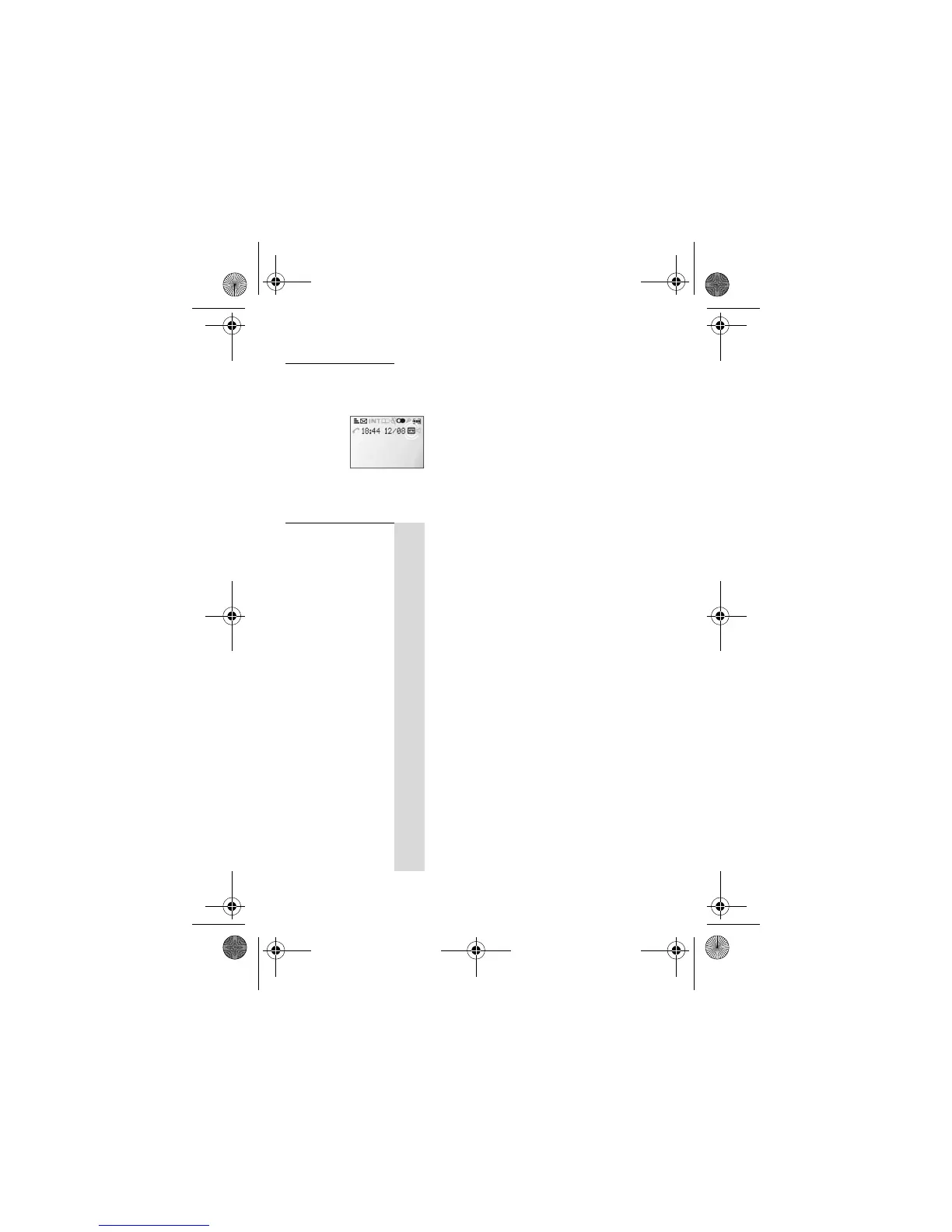
are indicated by the TAM icon flashing .
■ When all messages have been played the
TAM icon stays on steadily, if the answering
machine is turned on.
To playback
recorded
messages:
1
M
u
Press the MENU/OK button ONCE then the
U button ONCE
! Display shows
Main Menu
>
Answ. Machine
2
M
Press the MENU/OK button
! Display shows
Answ. Machine
>
Play
3
M
:
o
M
:
Press the MENU/OK button
! The first new message will play through the
loudspeaker. If there are no new messages, the
first old message will play.
■ Use the D or U buttons to adjust the
speaker volume.
■ Press PHONE button to play the message
through the handset earpiece
Press the MENU/OK button then press D or
U
buttons to control the playback menu.
4
:
- Repeat
- Next Message
- Prev. Message
- Delete
- Delete All
iDect_V2i_IFU_master.book Page 34 Thursday, March 27, 2008 2:54 PM














 To Next Page