Help Line: 0845 345 9677 (Local Call rate) 33
Answering machine operation
■ When the answering machine is switched on
the TAM icon on the handset display will
come on steadily.
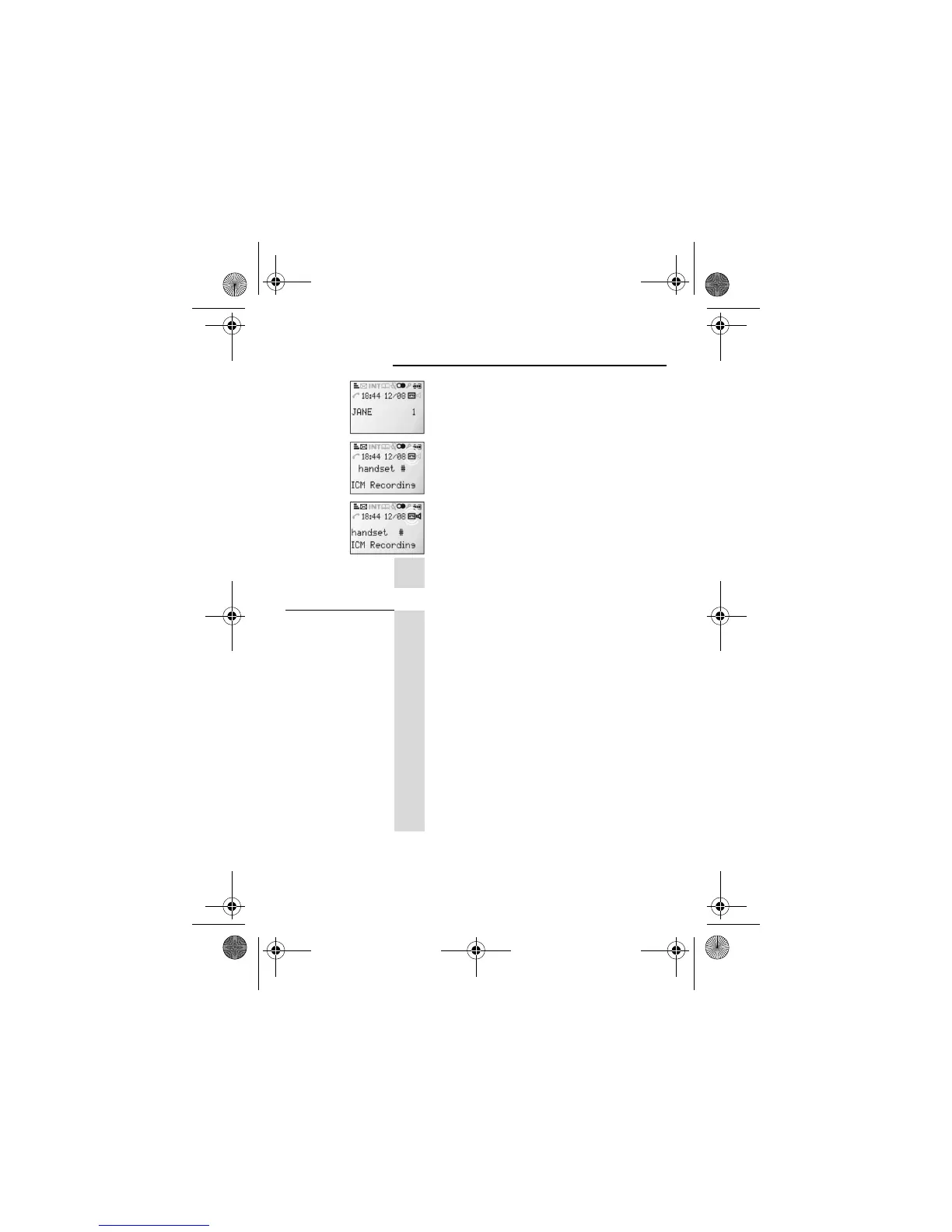
■ When the answering machine is recording a
message the handset will display ICM
Recording. The TAM icon flashes when the
recording ends, to indicate a new message.
■ If call screening is on the Speakerphone
icon will come on and the incoming message
can be heard on the speaker
o
To stop the recording and take the call, simply
press the PHONE button in the normal way.
Turn the
answering
machine on or
off:
1
M
u
Press the MENU/OK button ONCE then the U
button ONCE
! Display shows
Main Menu
>
Answ. Machine
2
M
d
Press the MENU/OK button ONCE then the D
button THREE times.
! Display shows
Answ. Machine
>
Ans. On/Off
3
M
Press the MENU/OK button
! Display shows
Ans. On/Off
>
On
4
:
M
Press the D or U button to select
Off
or
On
and
then the MENU/OK button to confirm
5
B
f
Use the BACK button to exit the menu or press
HANG UP to go to standby mode
iDect_V2i_IFU_master.book Page 33 Thursday, March 27, 2008 2:54 PM














 To Next Page