To delete a
stored
number
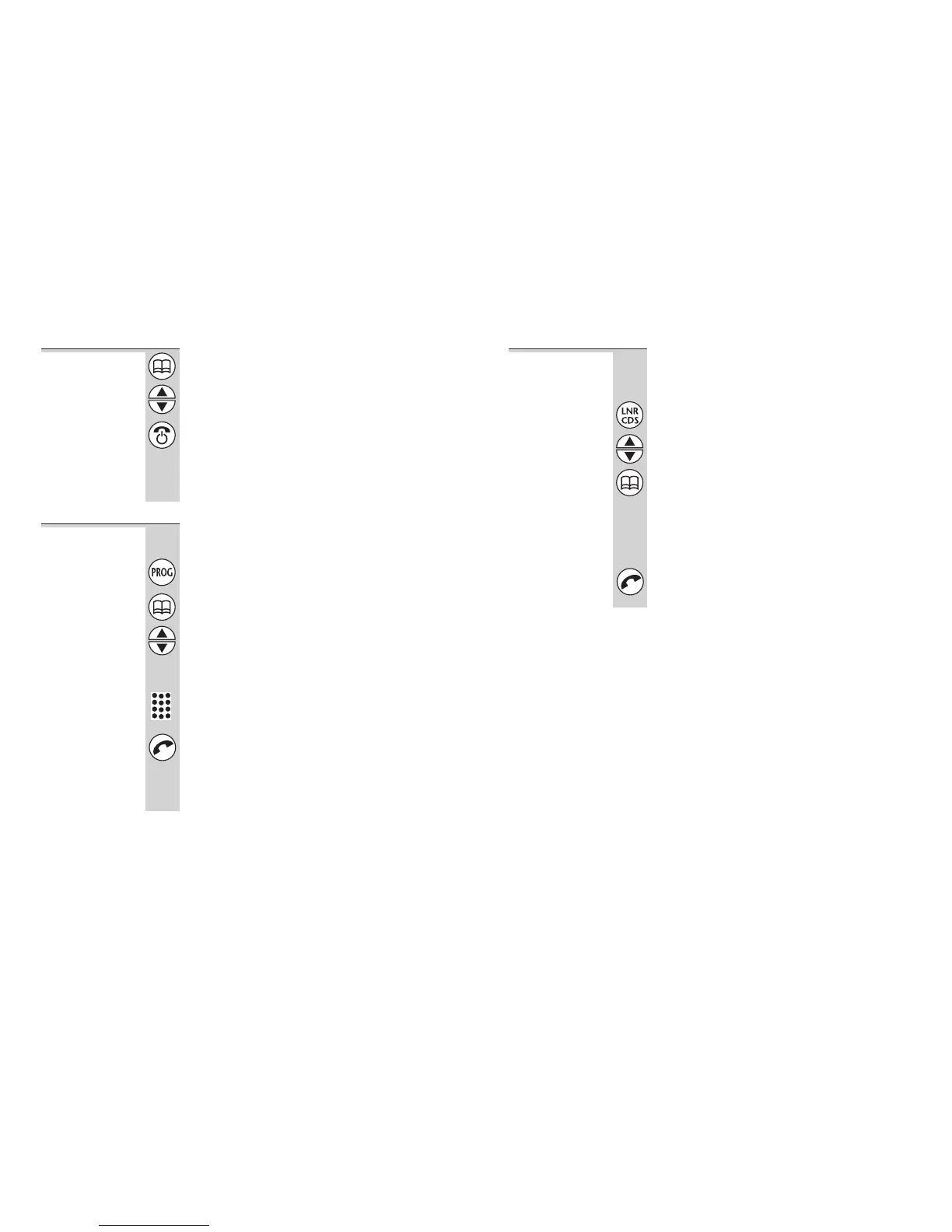
1 Press the MEMORY button
2 Press the ▲ or ▼ button until the number
you want to delete is displayed
3 Press and hold the HANG UP/C button until
you hear a tone and the number disappears
from the display;
OR press and hold the HANG UP/C button
for 5 seconds to clear all 20 memories
To use the
notebook
You can store a number in memory while you
are busy on a call.
1 Press the PROG button
2 Press the MEMORY button
3 Press the ▲ or ▼ button to find a free
memory location;
OR key in a memory location number using
the numbered keys
4 Key in the phone number you want to store
5 Press the PHONE button to confirm
Note: If you want to quit the notebook without
storing a number, press the HANG UP/C button
for one second.
Memory dialling
12
To store an
LNR number
in memory
You can move a number from the Last Number
Redial (LNR) memories (see page 9) to a more
permanent memory location.
1 Press the LNR/CDS button
2 Press the ▲ or ▼ button if necessary until
the number you want is displayed
3 Press and hold the MEMORY button for
one second
The display shows the first free memory
location. You can press the
▲ or ▼ button to
select a different free location if you wish (only
free locations are displayed).
4 Press the PHONE button to store the
number
Memory dialling
Binatone Help Line: 01325 304 473 13












 To Next Page