11
Binatone Help Line - 0845 345 9677Binatone Help Line - 0845 345 9677
Binatone Help Line - 0845 345 9677Binatone Help Line - 0845 345 9677
Binatone Help Line - 0845 345 9677
Calls are charged at Local Call rate.
Setting up continue...
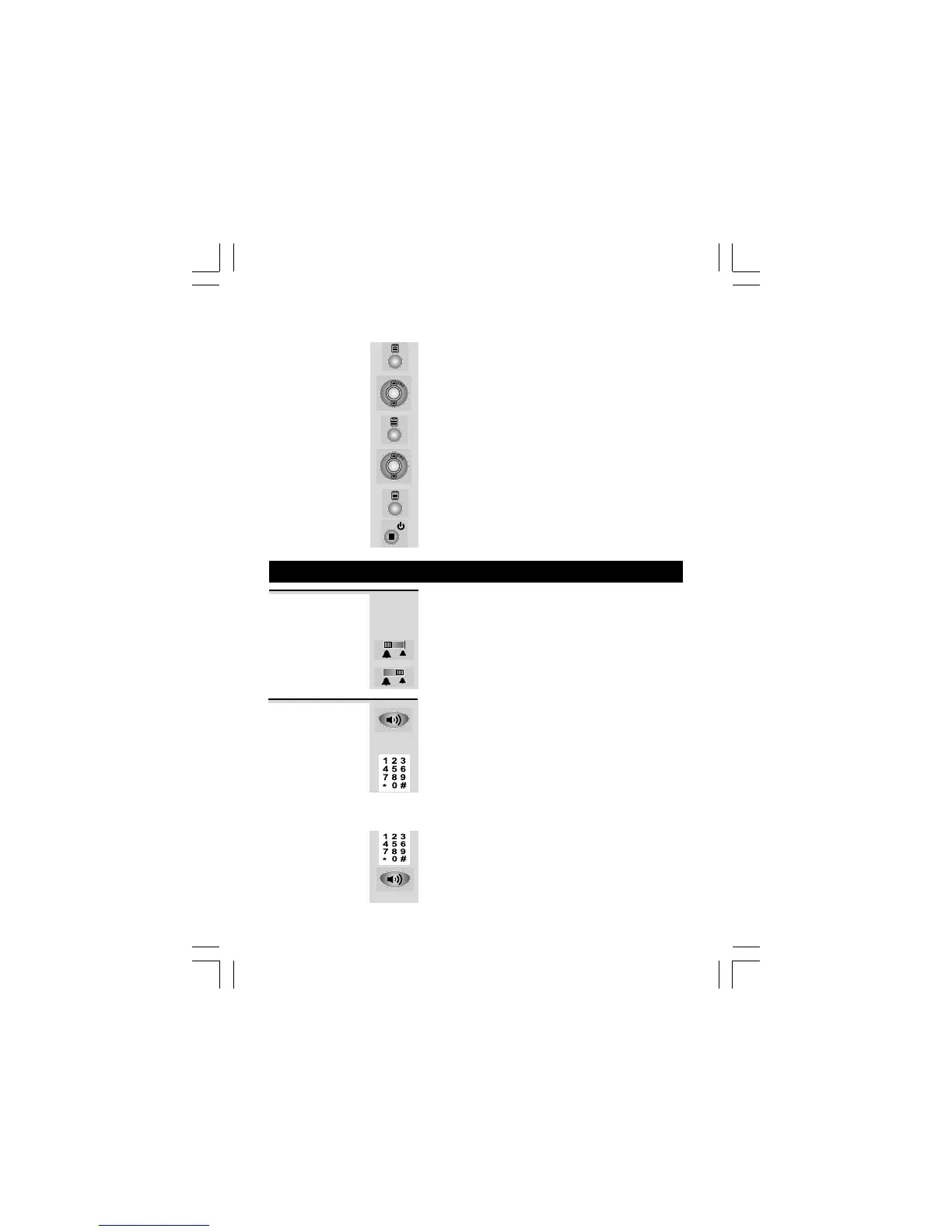
5 Press MENU button to confirm.
Ö The second digit of the code will be blinking.
6 Press UP or DOWN button to set the second
digit of the REMOTE ACCESS code.
7 Press MENU button to confirm.
Ö The third digit of the code will be blinking.
8 Press UP or DOWN button to set the third
digit of the REMOTE ACCESS code.
9 Press MENU button to confirm the REMOTE
ACCESS setting.
10 Press EXIT button to return to standby mode.
5. Telephone Operation
Ringer volume The Ringer High-Low switch located at the
back of the Base unit allows you to adjust the
volume of the ringer.
- High volume
- Low volume
1 Lift the handset or press SPEAKERPHONE
button on the Base unit.
Ö Check for dial tone.
2 Dial the telephone number.
Ö The display shows the duration of the call in
minutes and seconds.
Using the Pre-dial mode
1 Dial the telephone number.
2 Lift the Handset or press SPEAKERPHONE
button on the Base unit to dial out the
number.
To make a
call



 To Next Page